Logo
Invitations & StationeryCeremony & ReceptionOnline InvitationsPlanning & Organization

The template collection

Find your wedding template

Search by style, occasion or template type.

Get Free Wedding Planning Tips
& Exclusive Template Deals

Join thousands of couples. Be the first to see new designs, get styling tips, and receive exclusive discounts.

By entering your email, you agree to receive access to our wedding templates and occasional updates with new designs, inspiration, and special offers. We respect your privacy and you can unsubscribe at any time.

Logo

Elegant templates for your unforgettable day. Designed with care and refined detail.

Browse Wedding Templates

Invitations

Wedding InvitationsSave the DatesRSVP CardsThank You CardsInvitation Suites (3-Piece)Invitation Sets (5-Piece)Online InvitationsView All Templates

Day-Of

Wedding ProgramsWelcome SignsSeating ChartsDirectional SignsPlace CardsWedding MenusBar MenusTable Numbers

Resources

BlogWedding Planning TipsInvitation Wording GuidePrinting GuideTheme ComparisonFAQHow It Works

Company

About UsContact UsRefund PolicyPrivacy PolicyTerms of Use
©2026 Weddingtemplates.com·All Rights Reserved
Need Help?
Logo
  • Invitations & Stationery
  • Ceremony & Reception
  • Online Invitations
  1. Home
  2. Blog
  3. Stationery & Design
  4. Making your RSVP…

Stationery & Design

Making your RSVP card easy to answer

By WeddingTemplates EditorialSep 5, 20262 min read

Your reply card has one job: help guests tell you whether they can join you. Keep the names, attendance choice, and reply date together, with meal selections only when your caterer needs them.
  1. Start with what your guests need
  2. Make it personal
  3. Wording you can adapt
  4. Let the design breathe
  5. Before you make it final
  6. A small checklist
  7. Frequently asked questions
  8. Make the design your own

On this page

  1. Start with what your guests need
  2. Make it personal
  3. Wording you can adapt
  4. Let the design breathe
  5. Before you make it final
  6. A small checklist
  7. Frequently asked questions
  8. Make the design your own

Section 1 of 8

More to explore

Crestline wedding invitation suite — invitation, details card, and RSVP card, printable wedding stationery template.A welcoming wedding table plan2 min readBarline wedding invitation suite — invitation, details card, and RSVP card, editable wedding templates.Designing wedding menus guests can read2 min read
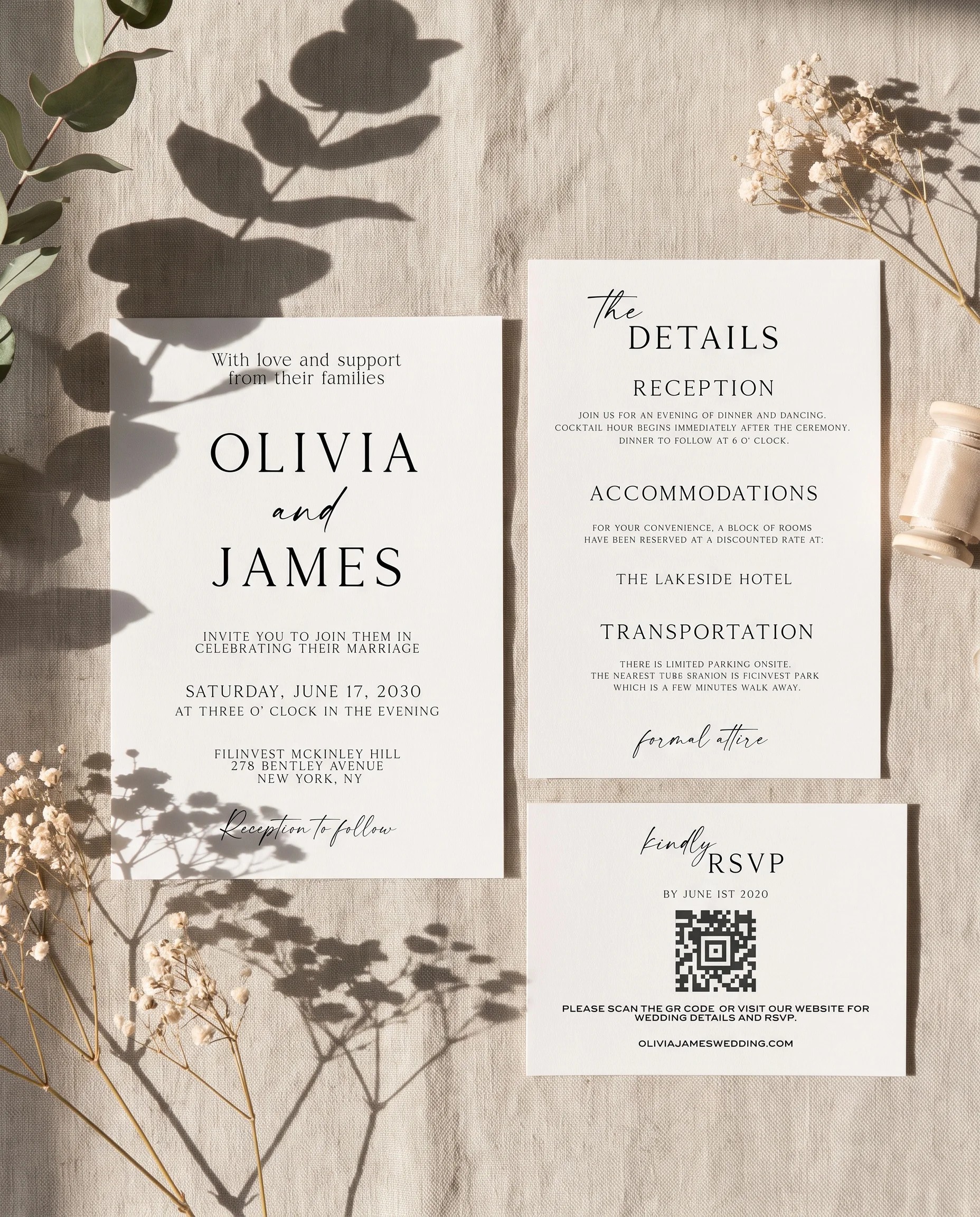
Sunlit wedding invitation suite — invitation, details card and RSVP shown in a flat lay under soft natural light, wedding invitation templates.

Your reply card has one job: help guests tell you whether they can join you. Keep the names, attendance choice, and reply date together, with meal selections only when your caterer needs them.

Start with what your guests need

Your reply card has one job: help guests tell you whether they can join you. Keep the names, attendance choice, and reply date together, with meal selections only when your caterer needs them.

Make it personal

There is no need to borrow a voice that does not sound like you. For responses, choose the details that matter to your celebration and leave room for them. Your guests should understand the practical message on their first reading. Think about the oldest and youngest people receiving it, as well as anyone reading on a small screen.

Wording you can adapt

Kindly reply by the date shown below. We look forward to celebrating with you.

Use this as a starting point, then replace the names and practical details with your own. Keep one version as your master copy so your printed pieces and wedding website agree.

Let the design breathe

Place related information together. A clear heading, a short paragraph, and some space around them usually work better than several competing boxes. Check the design at its actual size rather than relying on a zoomed-in preview. If a line feels crowded, edit the wording before reducing the text size.
Sunlit wedding invitation suite — invitation, details card and RSVP shown in a flat lay under soft natural light, wedding invitation templates.

Before you make it final

Test your reply link on a phone and ask someone unfamiliar with your plans to complete it.

A small checklist

  • Read the names and practical details aloud.
  • Check the design on a phone and at print size.
  • Ask someone outside the planning process to review it.
  • Keep a dated copy of the approved version.

Frequently asked questions

Does everything have to match?

No. Repeat one or two choices, such as your main typeface or a colour, and let each piece serve its purpose. Readability and accurate information matter more than an exact visual match.

What if our plans change?

Update the master copy first, then check each place the information appears. Contact guests directly when a change affects their attendance or travel.

Make the design your own

When the words feel right, explore wedding templates and try them in a layout you can edit. Start with the piece you need now; you can build the rest of your stationery around it.

More to explore

Crestline wedding invitation suite — invitation, details card, and RSVP card, printable wedding stationery template.A welcoming wedding table plan2 min readBarline wedding invitation suite — invitation, details card, and RSVP card, editable wedding templates.Designing wedding menus guests can read2 min read

Make it yours

Make replying easy for your guests.

Try your wording in the editor. Pay when you download.
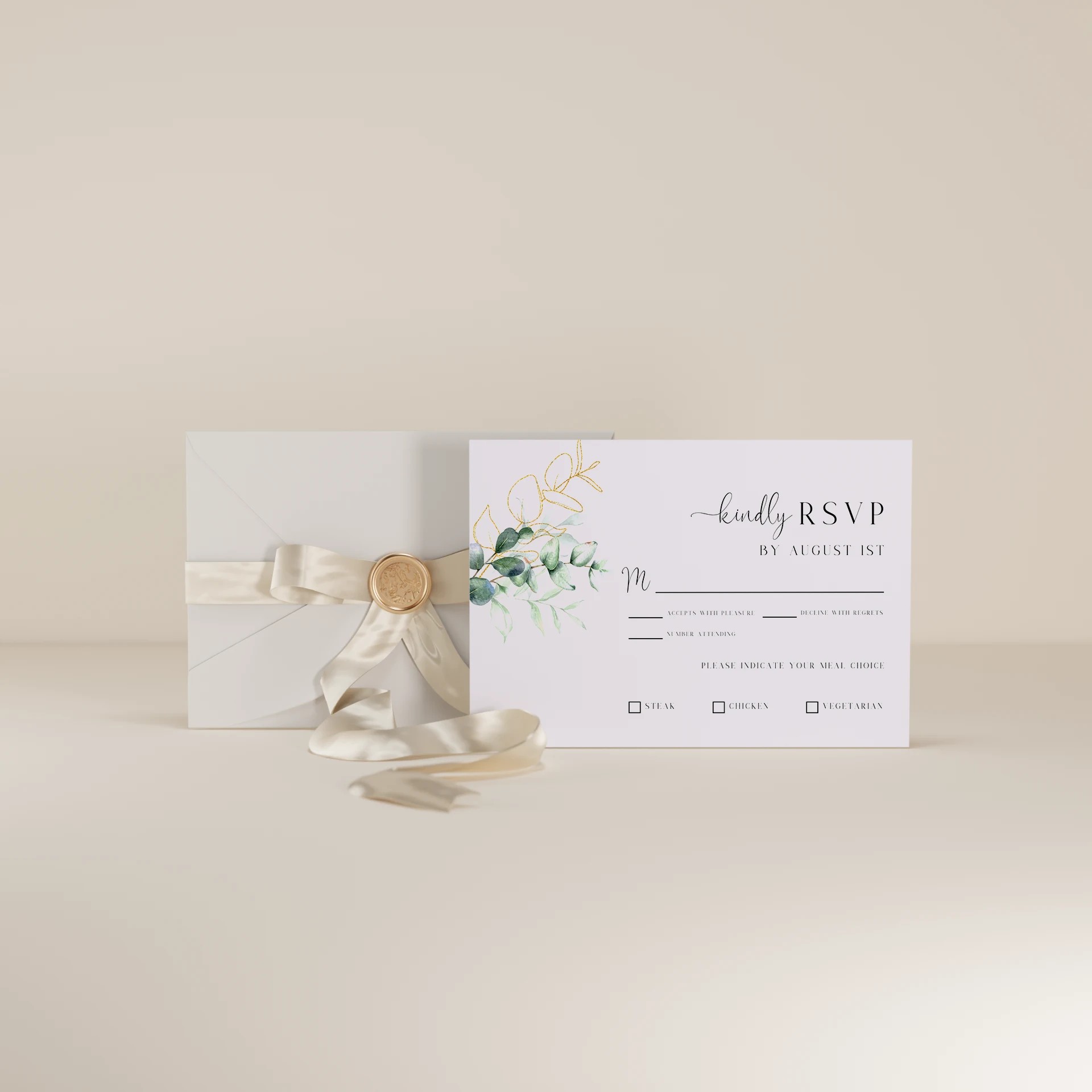
Eucalyptus Gold — RSVP Card

Eucalyptus Gold

$9.00

RSVP Card · 5 × 3.5 in

Preview this rsvp card
Reply — RSVP Card

Reply

$9.00

RSVP Card · 3.5 × 5 in

Preview this rsvp card
Explore RSVP cards

Continue reading

Explore the journal
Sage Crest wedding invitation suite — invitation, details card and RSVP shown in a flat lay under soft natural light, wedding invitation templates.Stationery & Design · 2 min readFinding the right wedding invitation typefaceRead the guide