

Online wedding invitations let you share your wedding news instantly, reaching every guest the moment you hit send. Each design is fully editable in our free browser-based editor and built for sharing by text message, email, group chat, link, or QR code. No printing, no postage, no envelopes. Perfect for destination weddings, intimate celebrations, second weddings, and any couple who wants a faster, more eco-friendly way to invite guests. Browse standard digital invitations, animated invitations, video invitations, and matching digital save the dates and RSVPs to build a complete digital wedding stationery suite.

Minimalist

Floral

Boho
Classic
Rustic
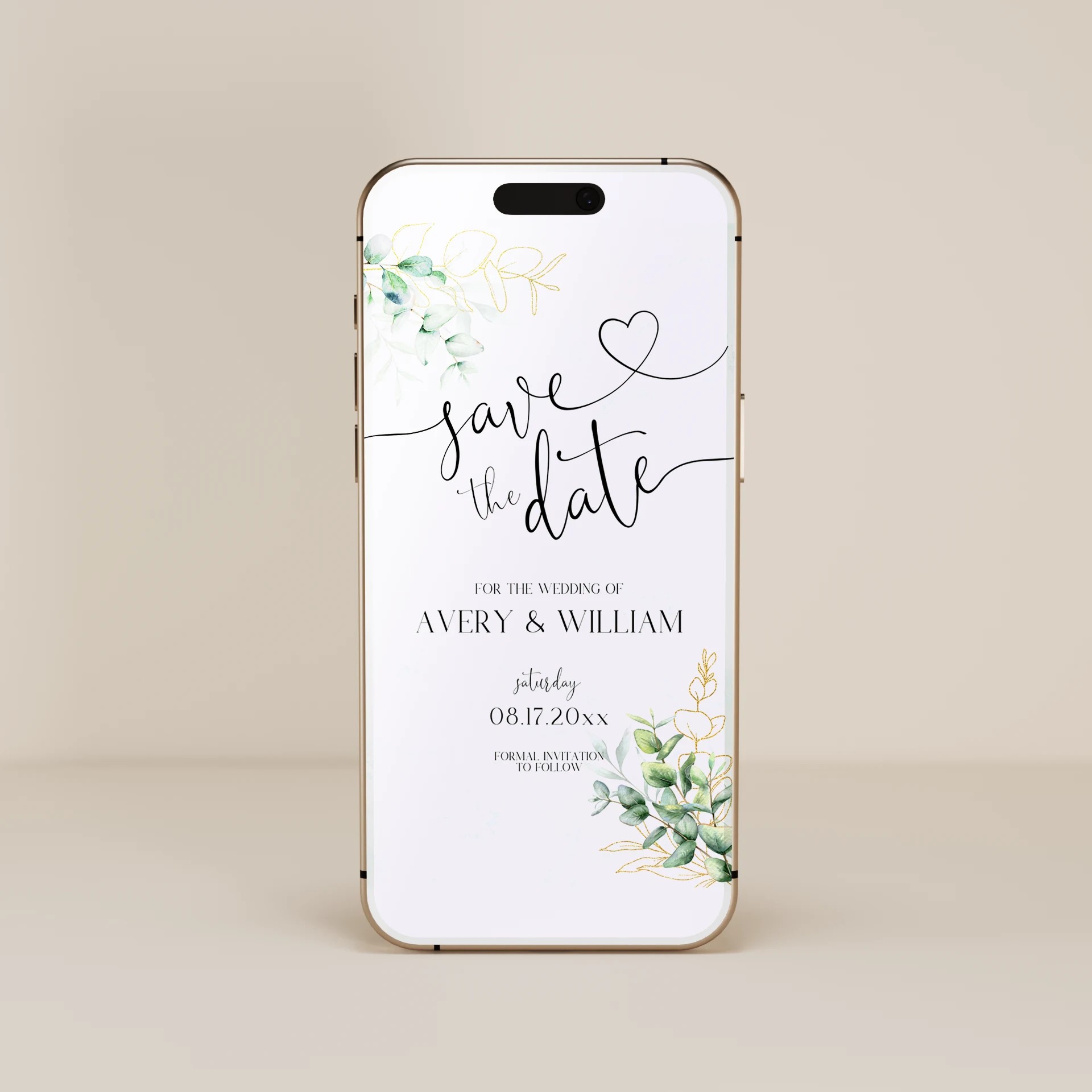
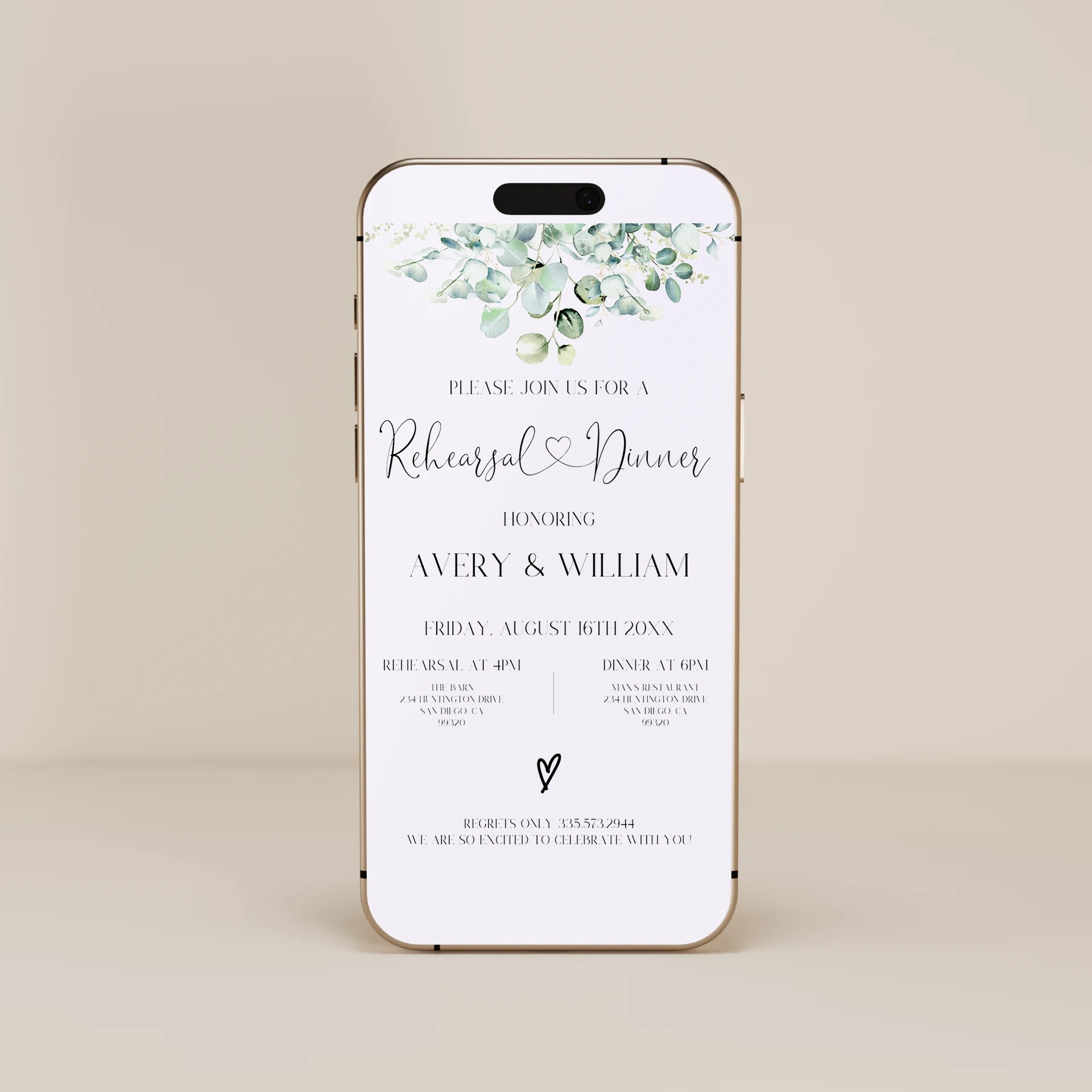
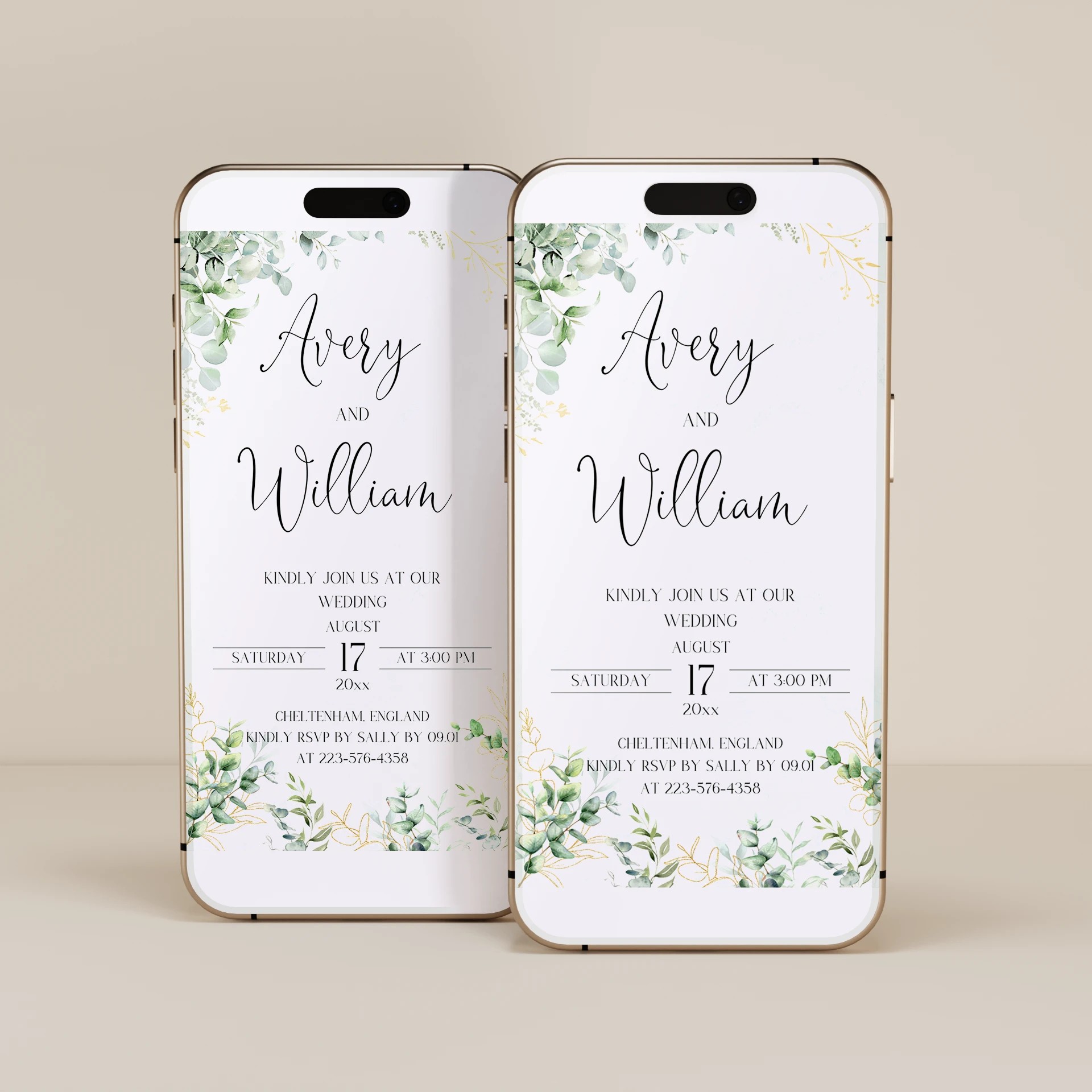
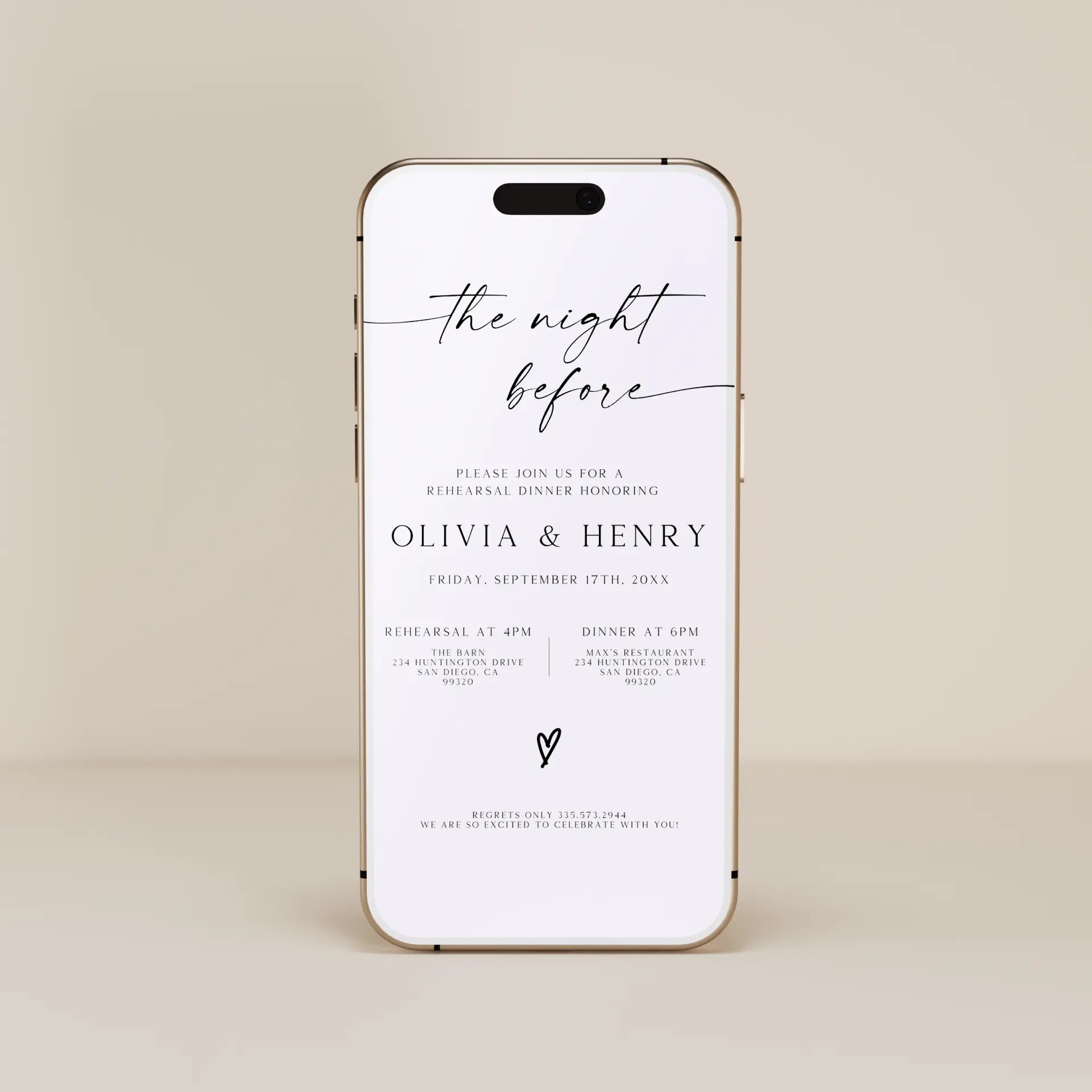
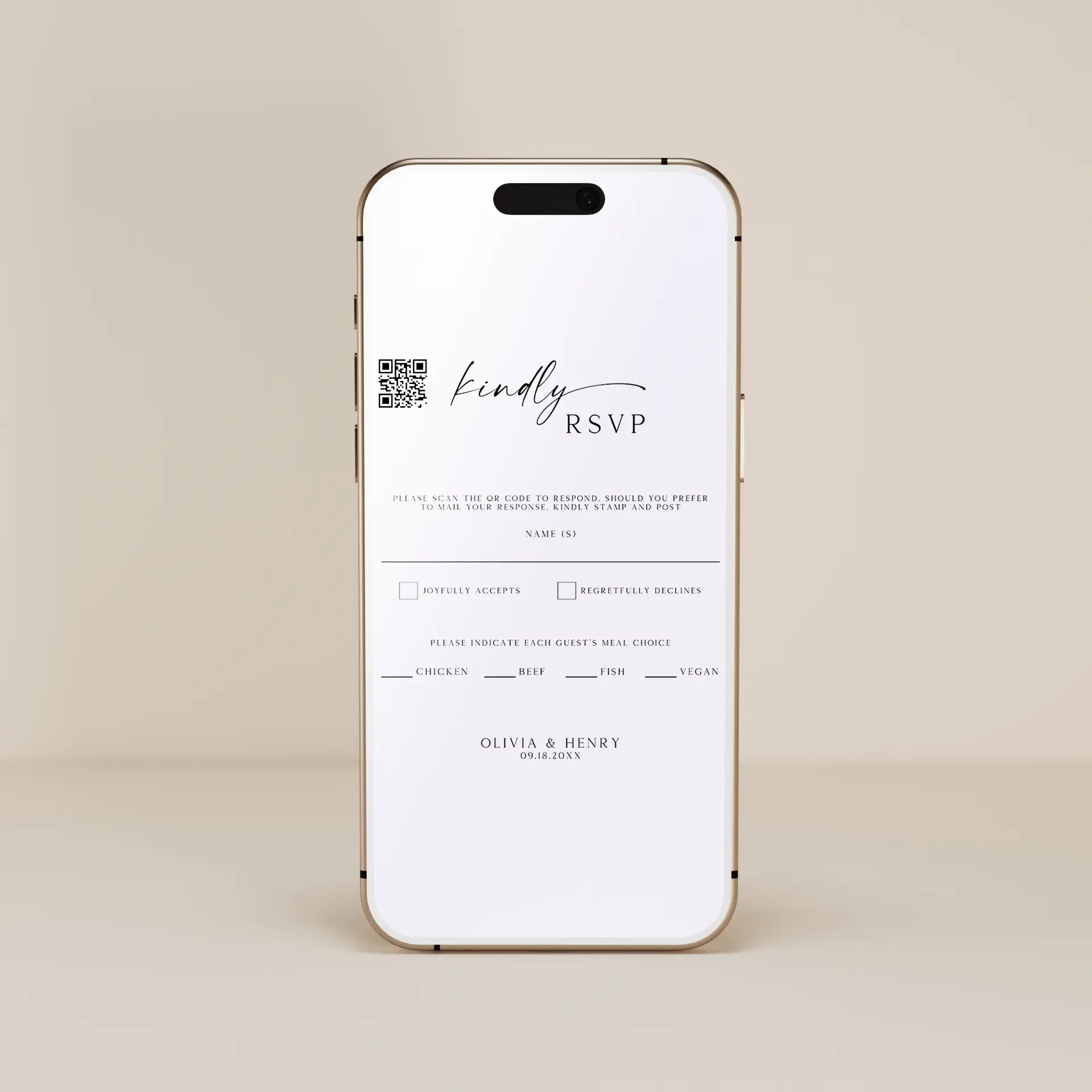
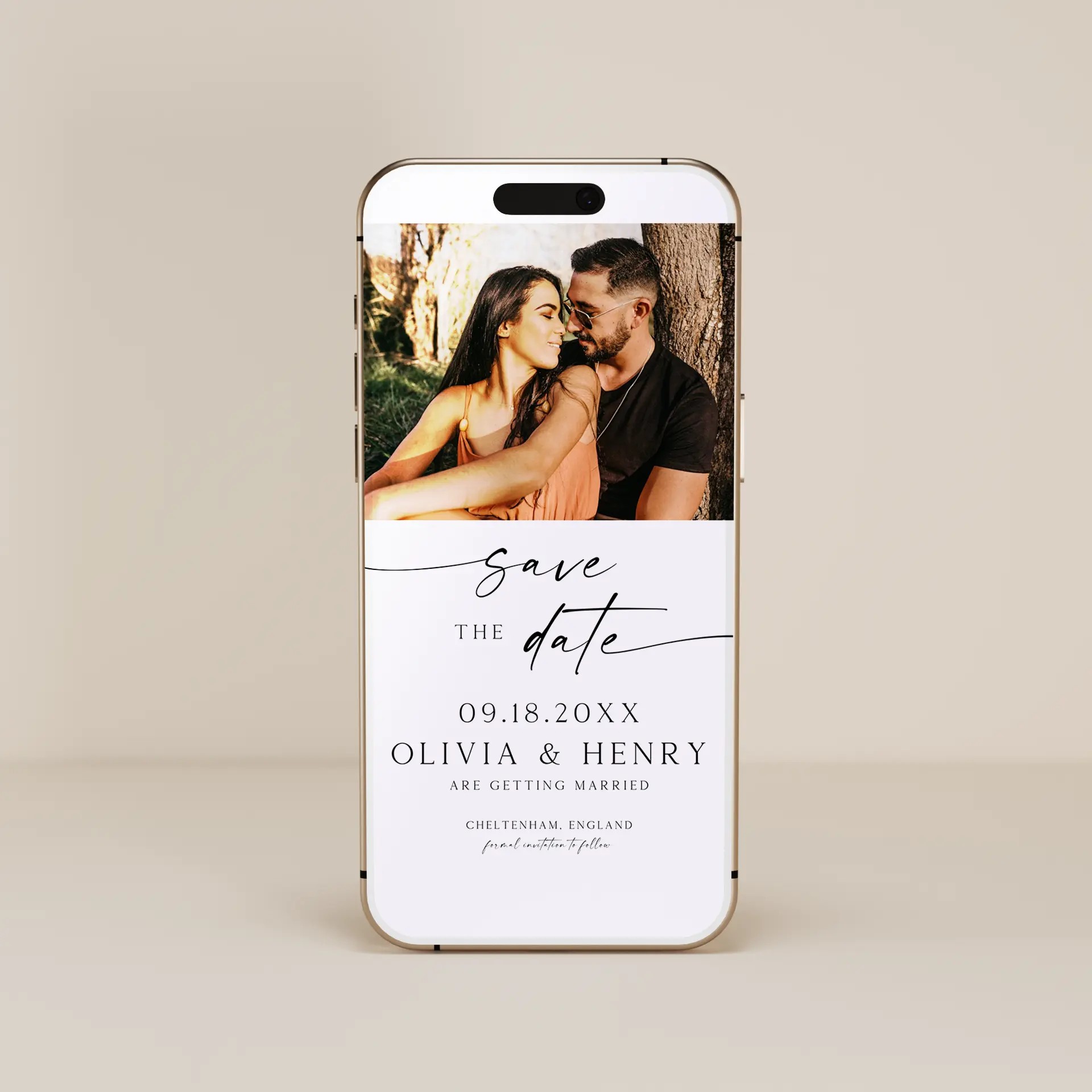
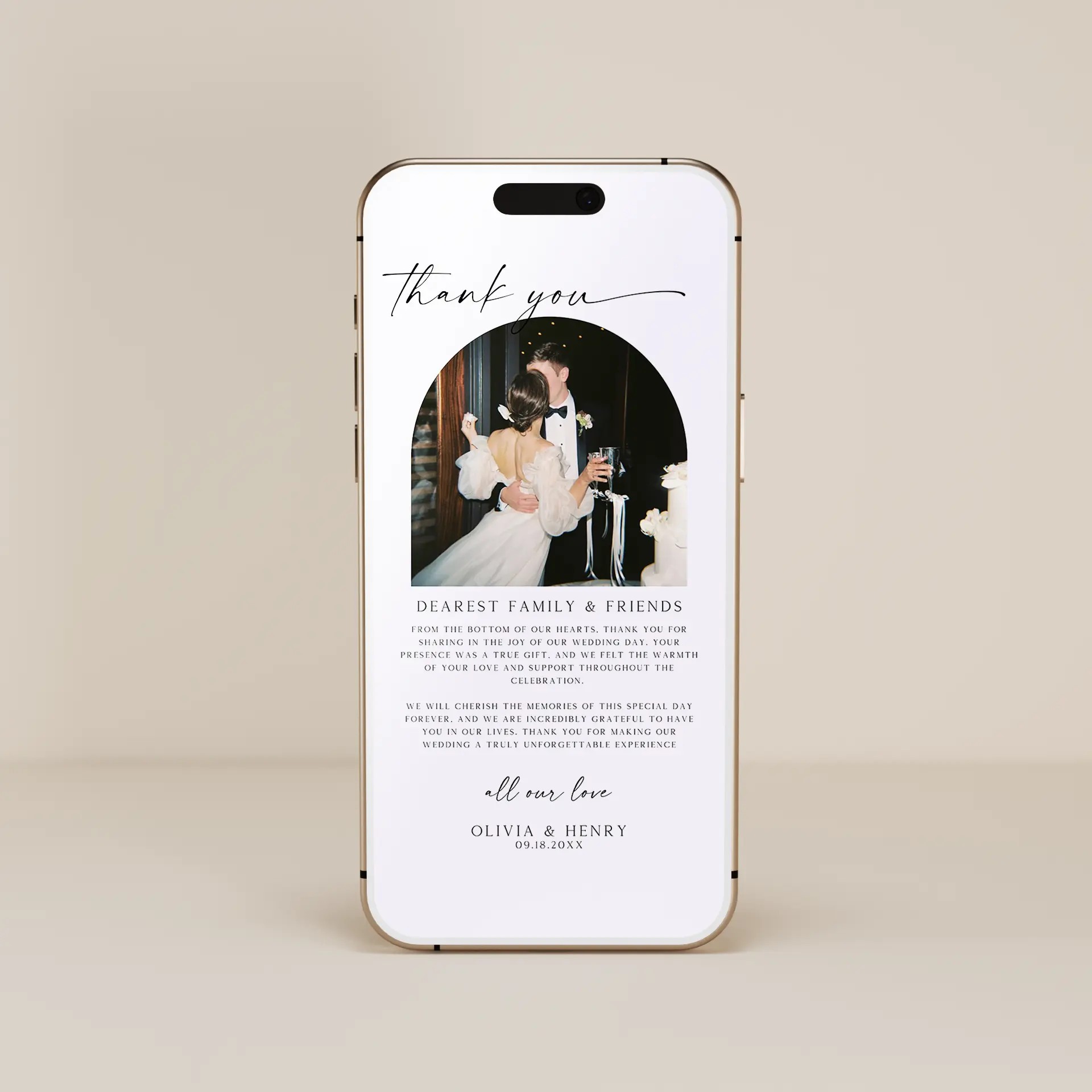
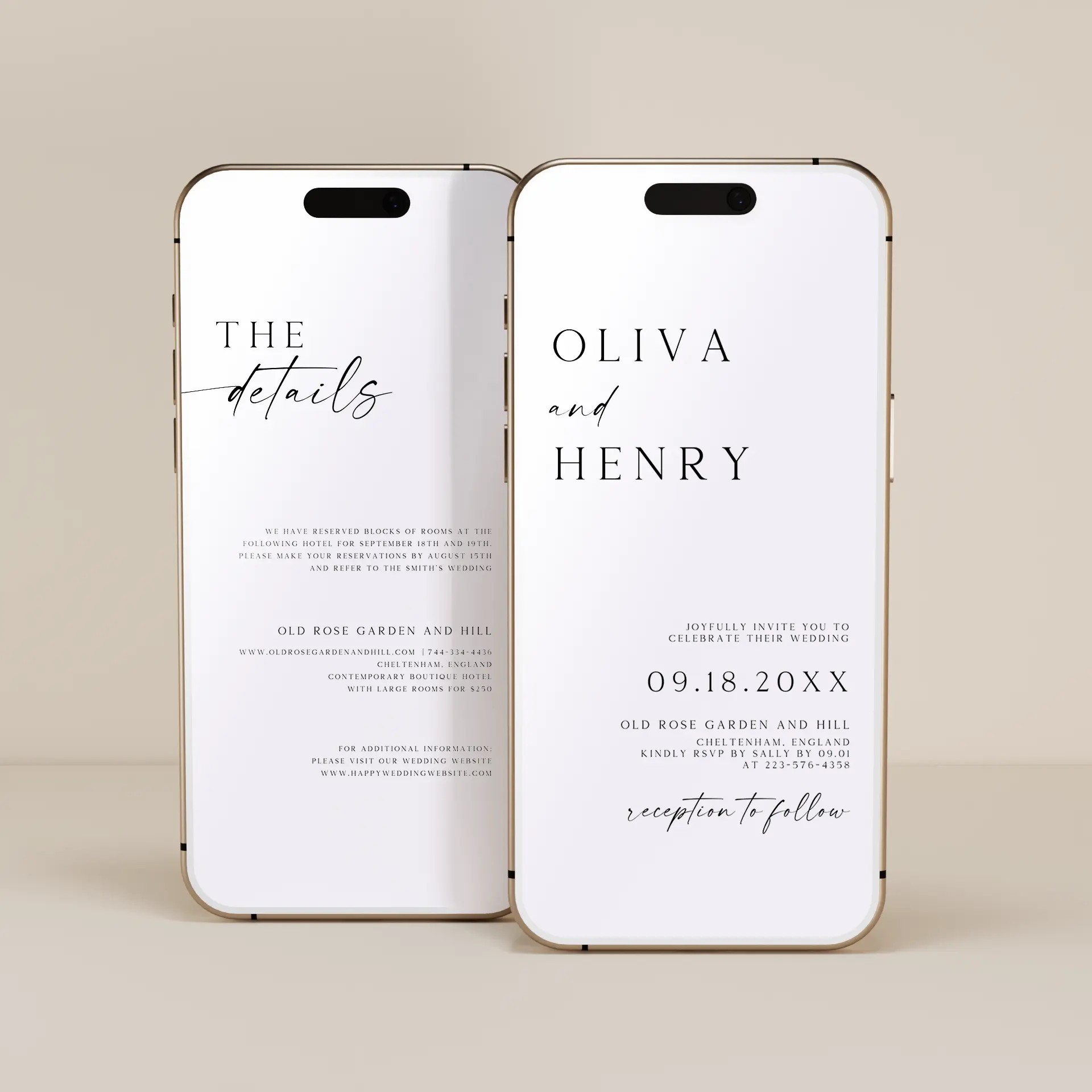
Online wedding invitations (also called digital wedding invitations, electronic wedding invitations, or paperless wedding invitations) are wedding invitations sent through digital channels rather than printed and mailed. Guests receive them by text message, email, group chat, a shareable link, or a QR code. Our digital wedding invitation templates are fully editable in our free browser-based editor. No Canva account, no Photoshop, no software to install. Customize the design, add your names, the wedding date, and the venue details, then download as JPEG, PNG, or PDF files ready to share. Whether you are searching for digital wedding invitations to share by text, electronic wedding invitations for a destination wedding, or paperless wedding invitations for an eco-conscious celebration, every template here is built to be customized in your browser and shared digitally with your guest list.
The first piece of digital stationery your guests receive, sent 6 to 9 months before the wedding so out-of-town guests can plan travel and time off. Edit names, dates, and a custom message, then send by text or email.
The centerpiece of every digital wedding stationery suite. Customize the date, time, venue, dress code, and RSVP instructions, then download as JPEG or PNG to share with your guest list 6 to 8 weeks before the wedding.
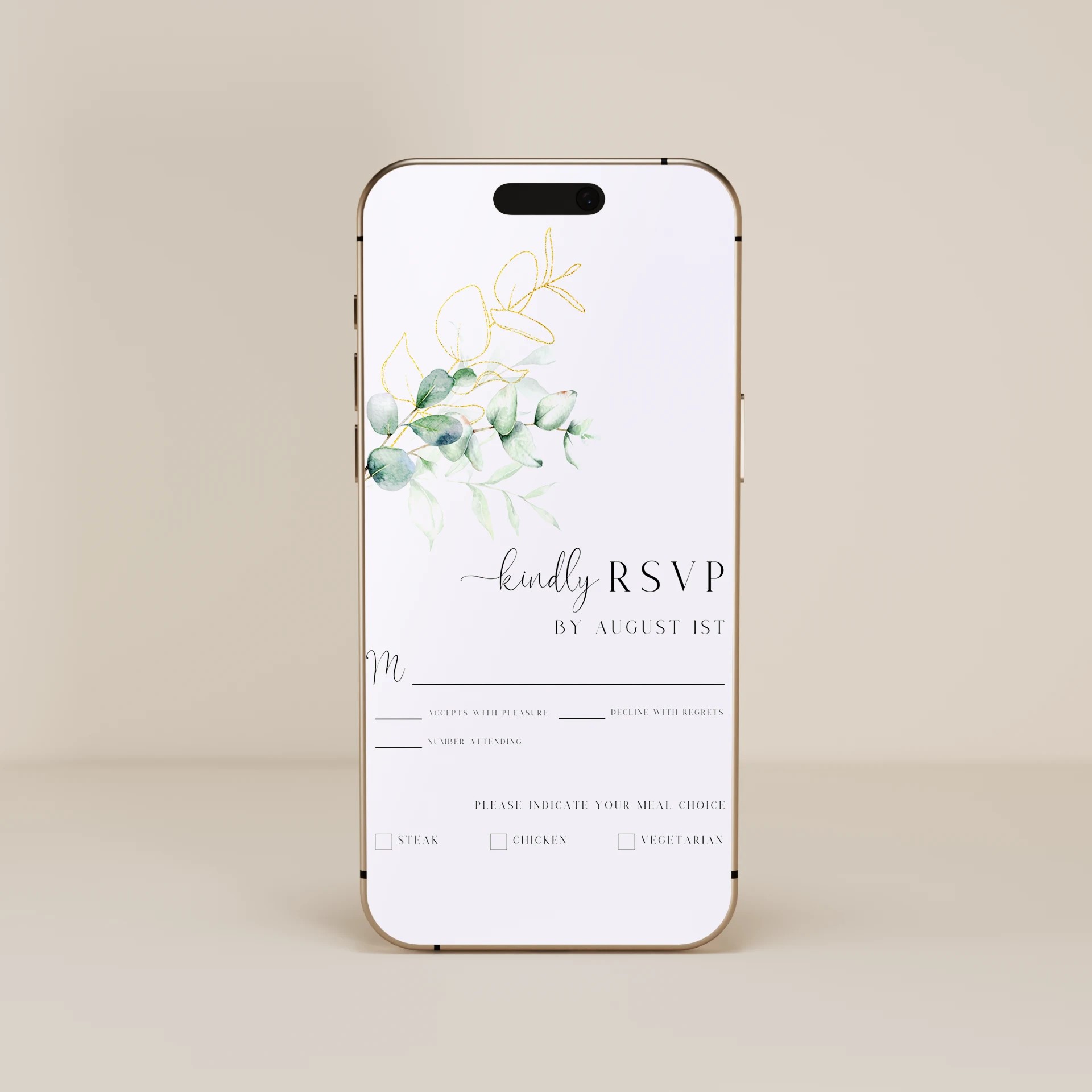
Digital response cards your guests receive alongside or after the digital wedding invitation. Edit the RSVP wording and meal options, then pair with a wedding website RSVP form for the smoothest tracking.
Digital rehearsal dinner invitations sent to the wedding party and immediate family 3 to 4 weeks before the wedding. Less formal than the main wedding invitation but designed to coordinate with your wedding aesthetic.
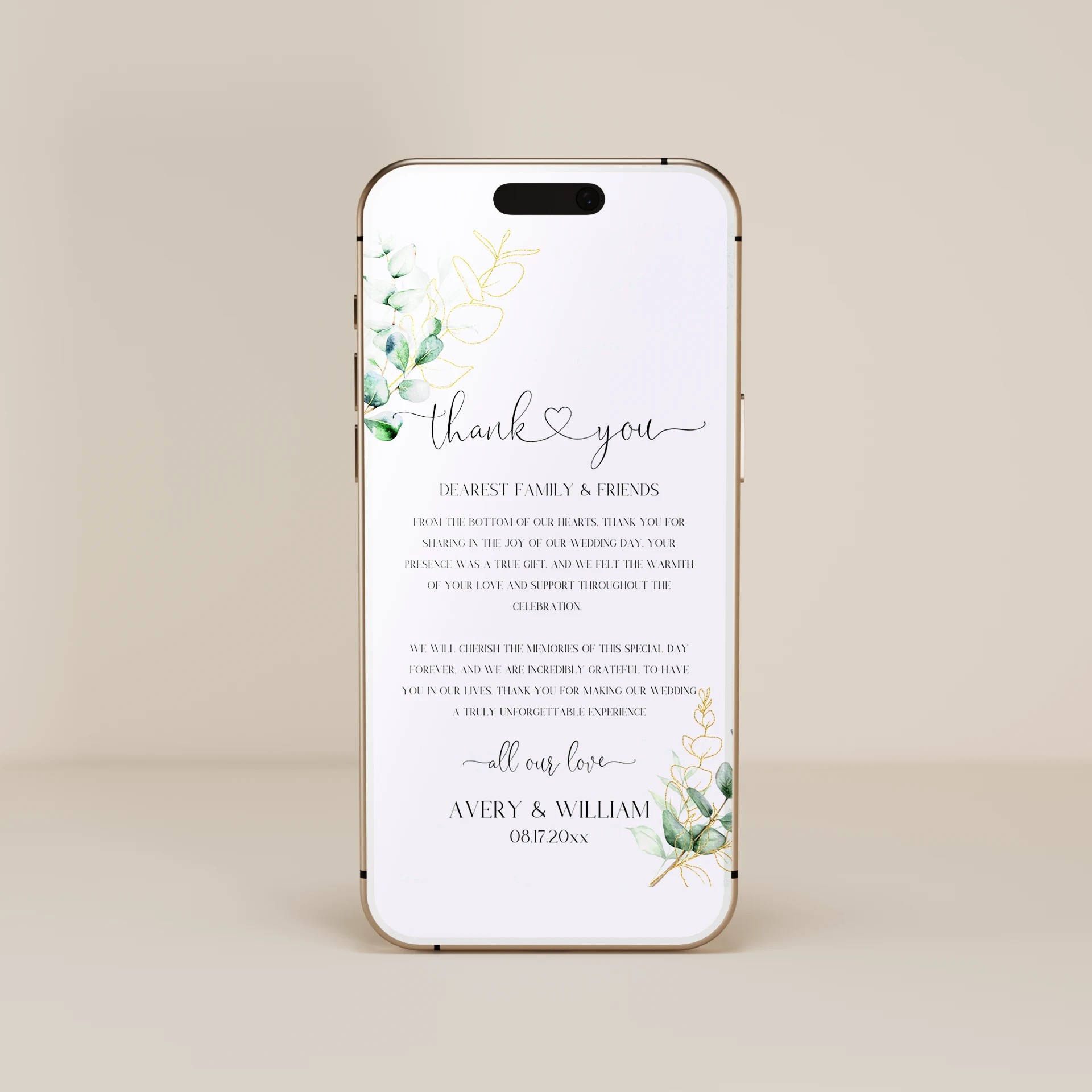
Digital thank you cards sent within 3 months after the wedding. Edit your thank you wording, add a favorite wedding photo if your design supports it, and send to every guest by text or email in JPEG or PNG format.
Digital invitations are not for every wedding. They work best in specific contexts where their advantages matter:
Destination weddings. When guests need to know about flights, accommodation, and travel logistics, digital invitations let you include a QR code that links to the wedding website, the venue address in Google Maps, hotel booking sites, and the group chat for travel coordination.
Intimate weddings under 50 guests. With a small guest list where everyone is close to the couple, digital invitations are quicker to send and easier to update if dates or details change.
Second weddings or vow renewals. Where the couple wants a celebration without the formality of traditional printed invitations, digital invitations signal a relaxed, modern tone.
Last-minute weddings. Couples planning quickly (elopement followups, surprise weddings, weather-driven date changes) benefit from invitations that send instantly without print and mail timing.
Eco-conscious couples. Skipping paper, envelopes, and postage reduces the environmental footprint of the wedding. Many couples specifically search for paperless wedding invitations for this reason.
Budget-conscious couples. Digital invitations cost the price of the template (under $25) compared to $200 to $500 for printed invitation suites with envelopes and postage for 100 guests.
Wedding events beyond the main day. Bridal showers, bachelorette parties, rehearsal dinners, and welcome dinners are increasingly invited digitally even when the main wedding uses printed invitations.
Pick a digital invitation style. Filter by Minimalist, Floral, Boho, Classic, or Rustic above to find a design that matches your wedding aesthetic.
Open the template in our free browser-based editor. Customize names, dates, venue, wording, colors, and fonts in real time.
Add a QR code that links to your wedding website or RSVP form. Generate the QR code from any free QR generator (linking to your wedding website URL), then drop it into the template in the editor. Guests scan the code from their phone screen with another phone to instantly access your wedding website, registry, and travel details.
Download as a JPEG or PNG for digital sharing, or as a PDF if you want to print a small batch as a paper backup.
Send through your preferred channel: text message, group chat, email, or shareable link.
Track RSVPs through your wedding website or a third-party RSVP tool like Google Forms, RSVPify, or Zola.
The most common digital sharing methods, in order of how guests actually open and respond to them:
Text message (iMessage or SMS). Highest open rate. Best for invitations that are short and visual. Send to each guest's phone number directly.
Group chat (iMessage group, WhatsApp group, Facebook Messenger group). Best for the bridal party or families that already share a group chat. Faster than individual messages.
Email. Best for guests who prefer email over text, especially older relatives. Lower open rate than text but works for guests where text is not appropriate.
Shareable link or QR code. Generate a unique link or QR code that guests visit to view the invitation and RSVP. Works for the wedding website, social media announcements, and shared on a printed save the date as a backup.
Direct message on social media (Instagram, Facebook). Casual but works for couples whose primary communication with friends is on social platforms.
Many couples use both digital and printed invitations strategically. The most common approach is digital save the dates 6 to 9 months before the wedding, then printed formal invitations 6 to 8 weeks before. This gives guests the heads-up they need for travel planning while preserving the formality of printed invitations for the main event. Other common approaches: printed invitations for older relatives and immediate family (who appreciate the keepsake) and digital invitations for friends and younger guests (who prefer the speed). Our templates coordinate across formats so the digital and printed pieces share the same design language.
If you want printed wedding invitations alongside or instead of digital, browse our printed wedding invitations, wedding invitation suites, and save the dates. For day-of stationery (programs, seating charts, place cards, menus, signs), see our Ceremony & Reception collection.
Yes, especially for the save-the-date stage and for any pre-wedding events (engagement parties, bridal showers, bachelorette parties, rehearsal dinners). For the main wedding invitation at very formal weddings (black tie, ballroom receptions, large guest counts), printed invitations are still the more traditional choice and signal the formality of the event. Many couples use a hybrid approach: digital save the dates and digital invitations for friends and most guests, with printed invitations for older relatives, the wedding party, and the wedding album. Our templates work for both digital and printed formats from the same design family.
There are three common RSVP methods for digital invitations. First, an RSVP form on your wedding website that guests visit through a link or QR code in the invitation. Second, a digital reply via text or email back to the host (works for small guest lists under 30). Third, a third-party RSVP tool like Google Forms, RSVPify, or Zola that aggregates responses and lets you track the count. For weddings over 50 guests, a wedding website with an integrated RSVP form is the most reliable method because it gives you a single dashboard for tracking responses, meal selections, and song requests.
The same information as a printed invitation: the couple's names, the wedding date and time, the venue name and address, the dress code, RSVP instructions and deadline, and any travel or accommodation notes for destination weddings. Digital invitations have an advantage because you can include a QR code that links to the wedding website, Google Maps directions to the venue, hotel booking pages, and the RSVP form. Many couples also include a small thank-you note at the bottom acknowledging guests for being part of their celebration.
Yes. A QR code is the most reliable way to link your digital invitation to your wedding website, RSVP form, or registry. Generate the QR code from any free QR generator (linking to your wedding website URL), drop it into the template in our browser editor, then download. Guests scan the code from their phone screen with another phone (or take a screenshot and scan from a printed copy) to instantly access your wedding website without having to type the URL.
Send digital wedding invitations on the same timeline as printed invitations: 6 to 8 weeks before a local wedding, 8 to 12 weeks before a destination wedding. Digital save the dates can be sent earlier, ideally 6 to 9 months in advance for destination weddings or 4 to 6 months for local weddings. Avoid sending digital invitations more than 3 months before the wedding because guests are likely to lose them in their inbox or text history before the RSVP deadline. Time the send so it lands when guests are actively planning their schedule.
Digital wedding invitation templates from our collection cost the price of the template (under $25) with no per-guest fees. Send to as many guests as you want with no additional cost. Compare this to printed invitations: $200 to $500 for design and printing for 100 guests, plus envelopes ($30 to $80), plus postage ($60 to $80 for 100 stamps), totaling $290 to $660. Digital invitations save 90 percent or more on stationery cost, which is why budget-conscious couples and destination weddings often prefer them.
