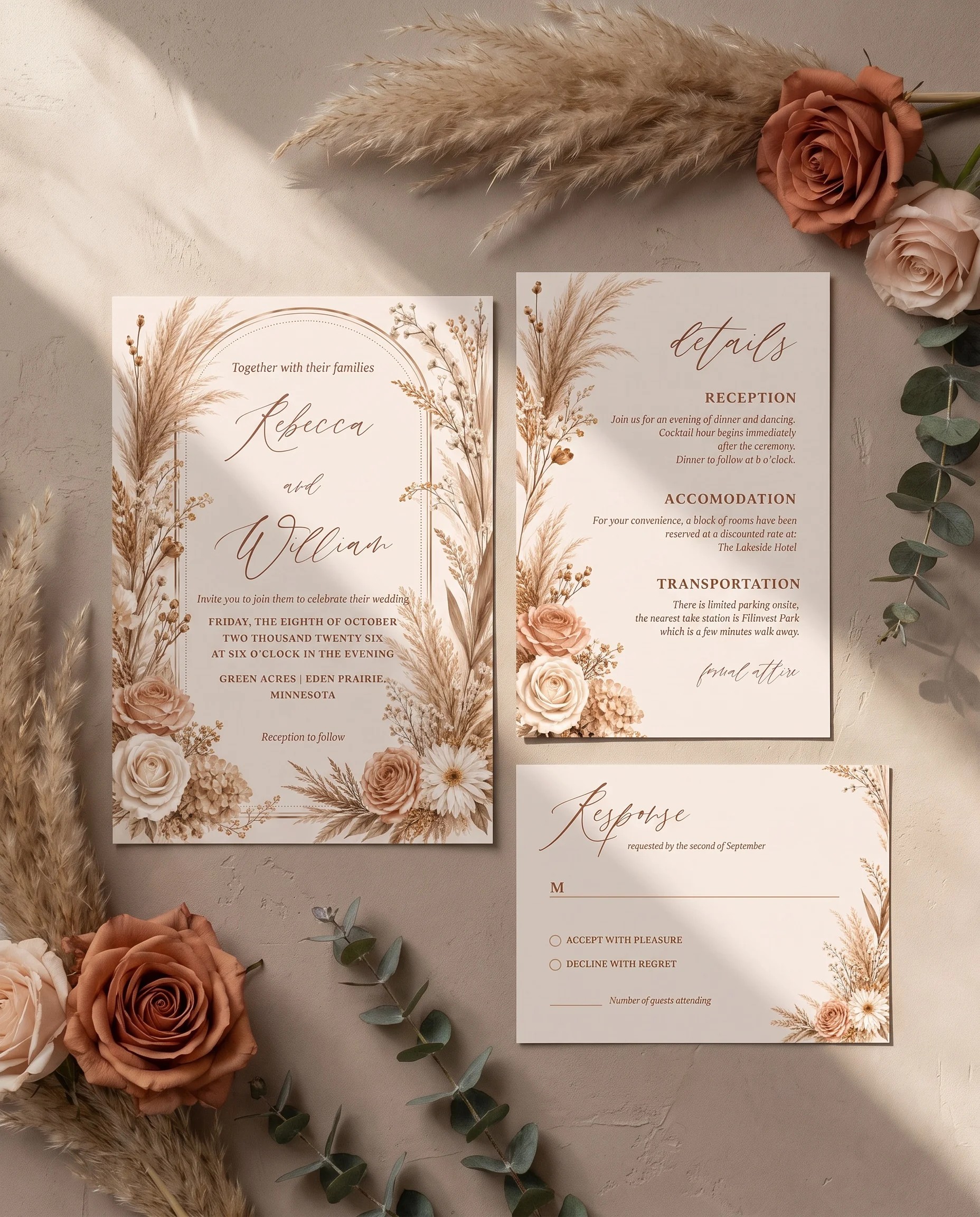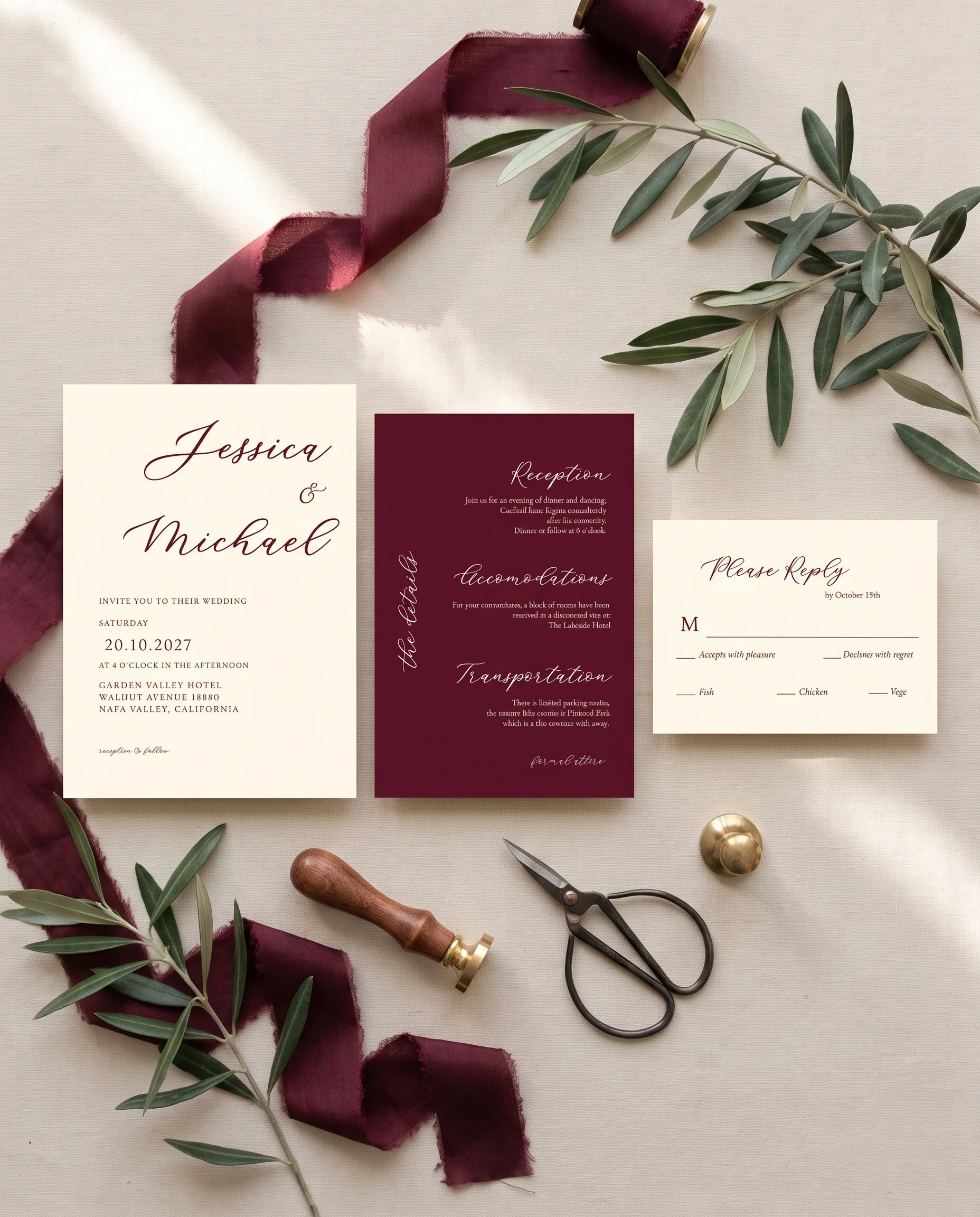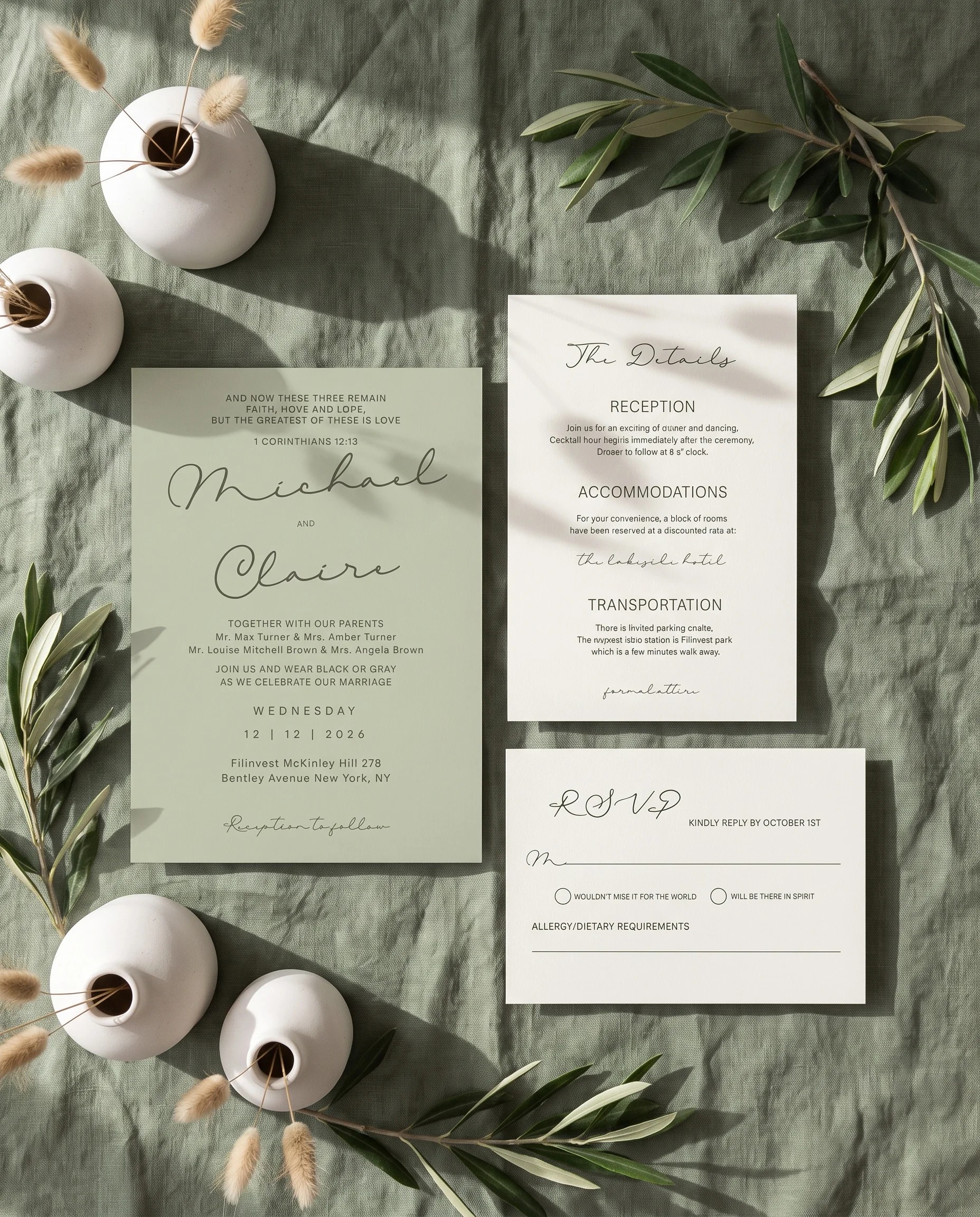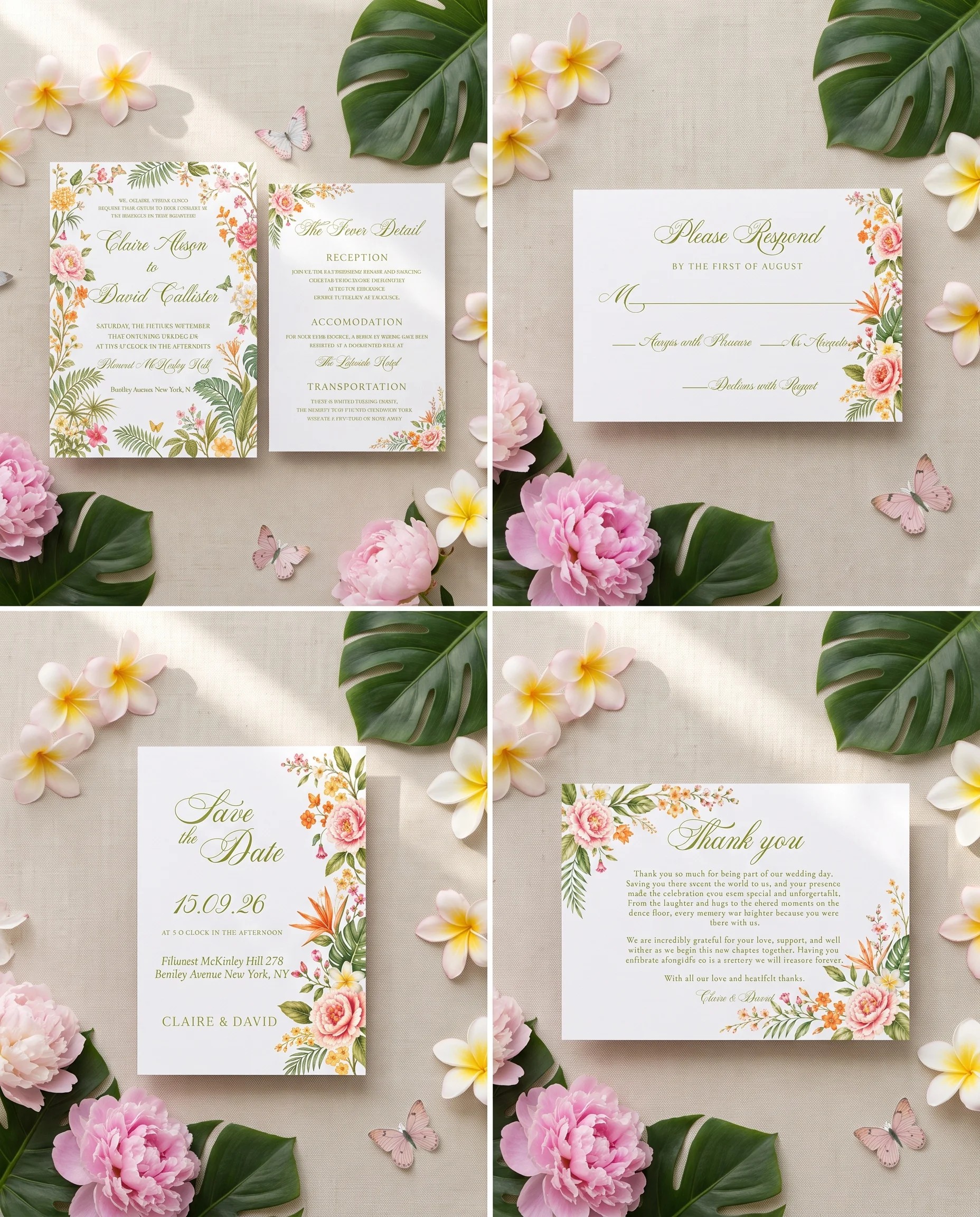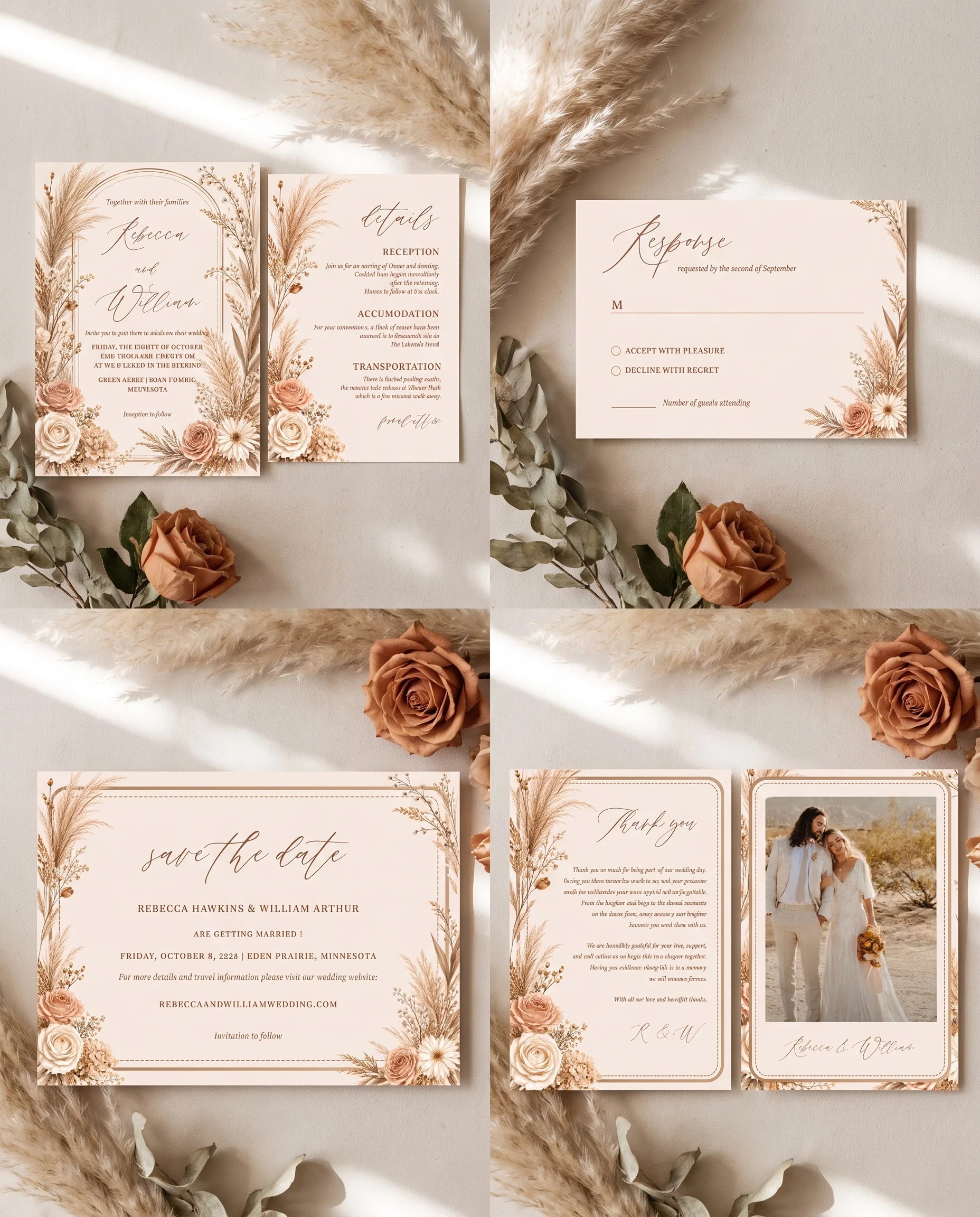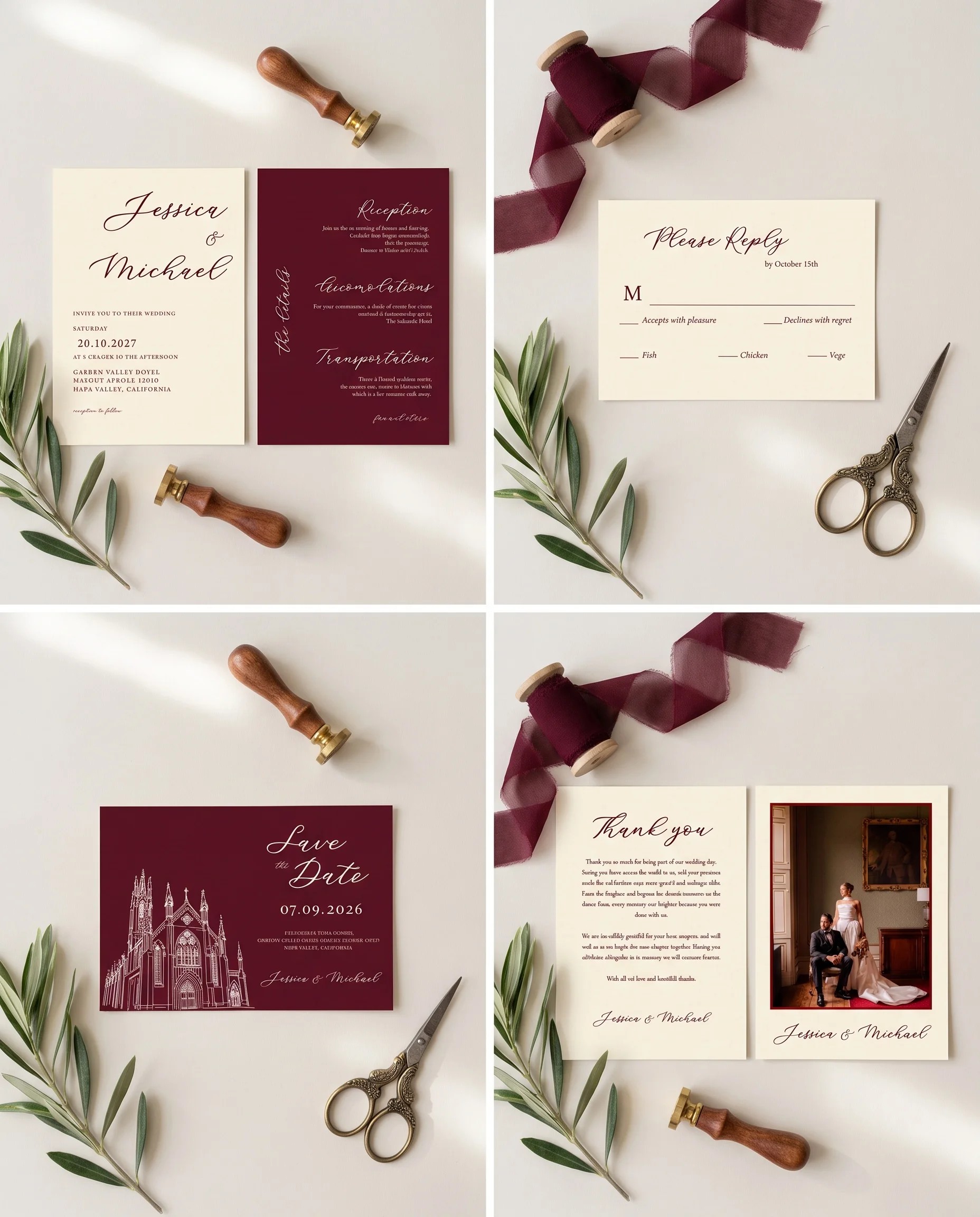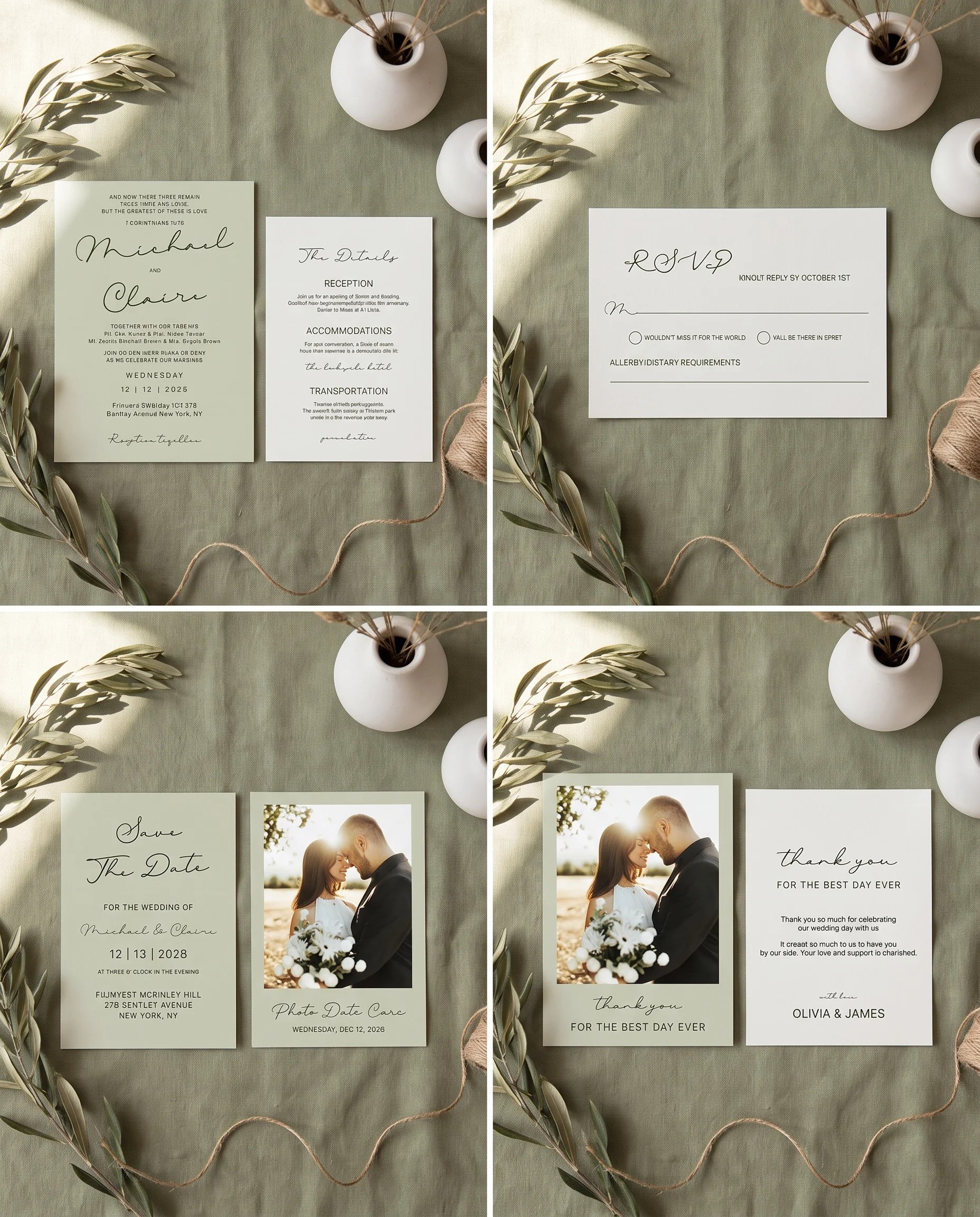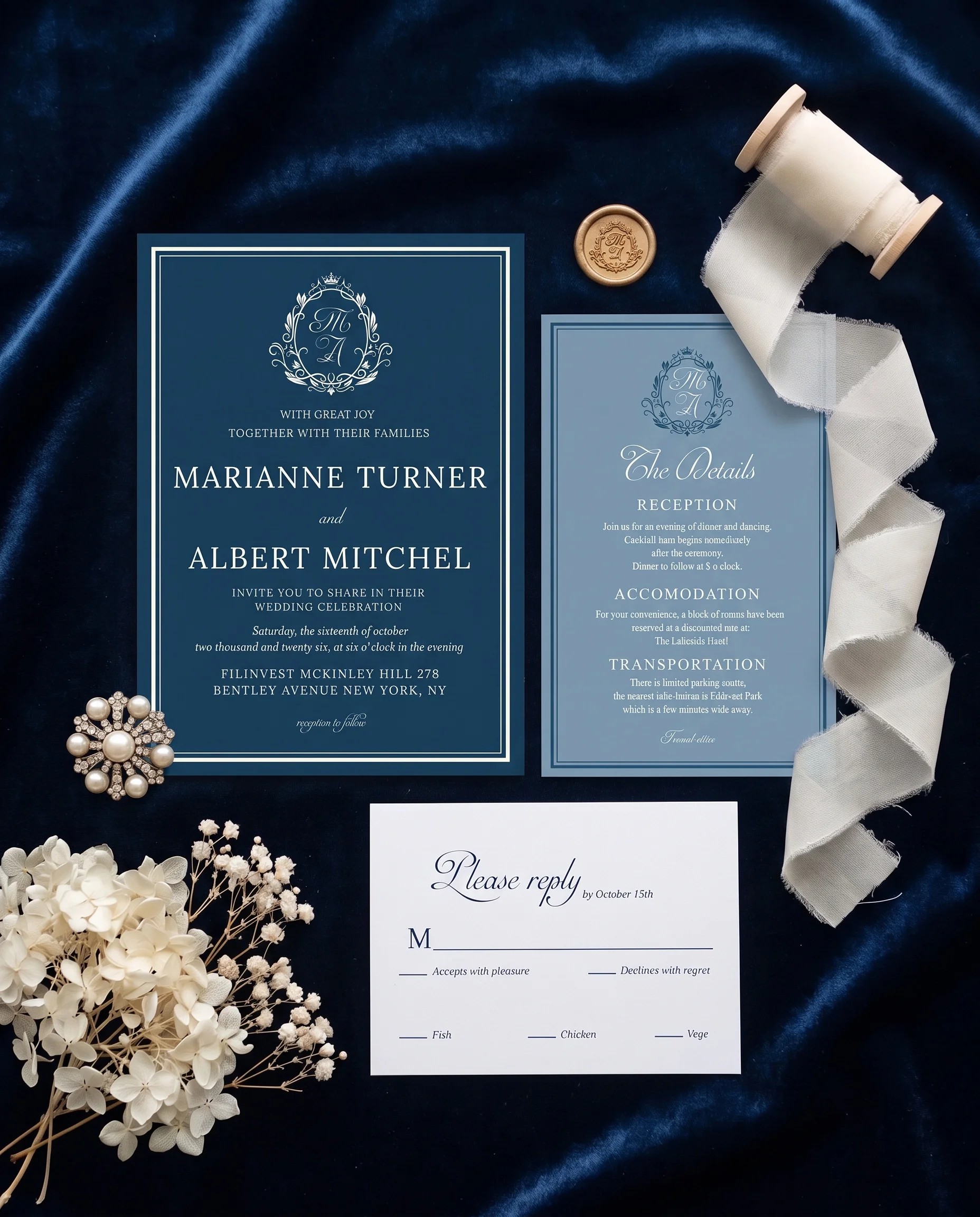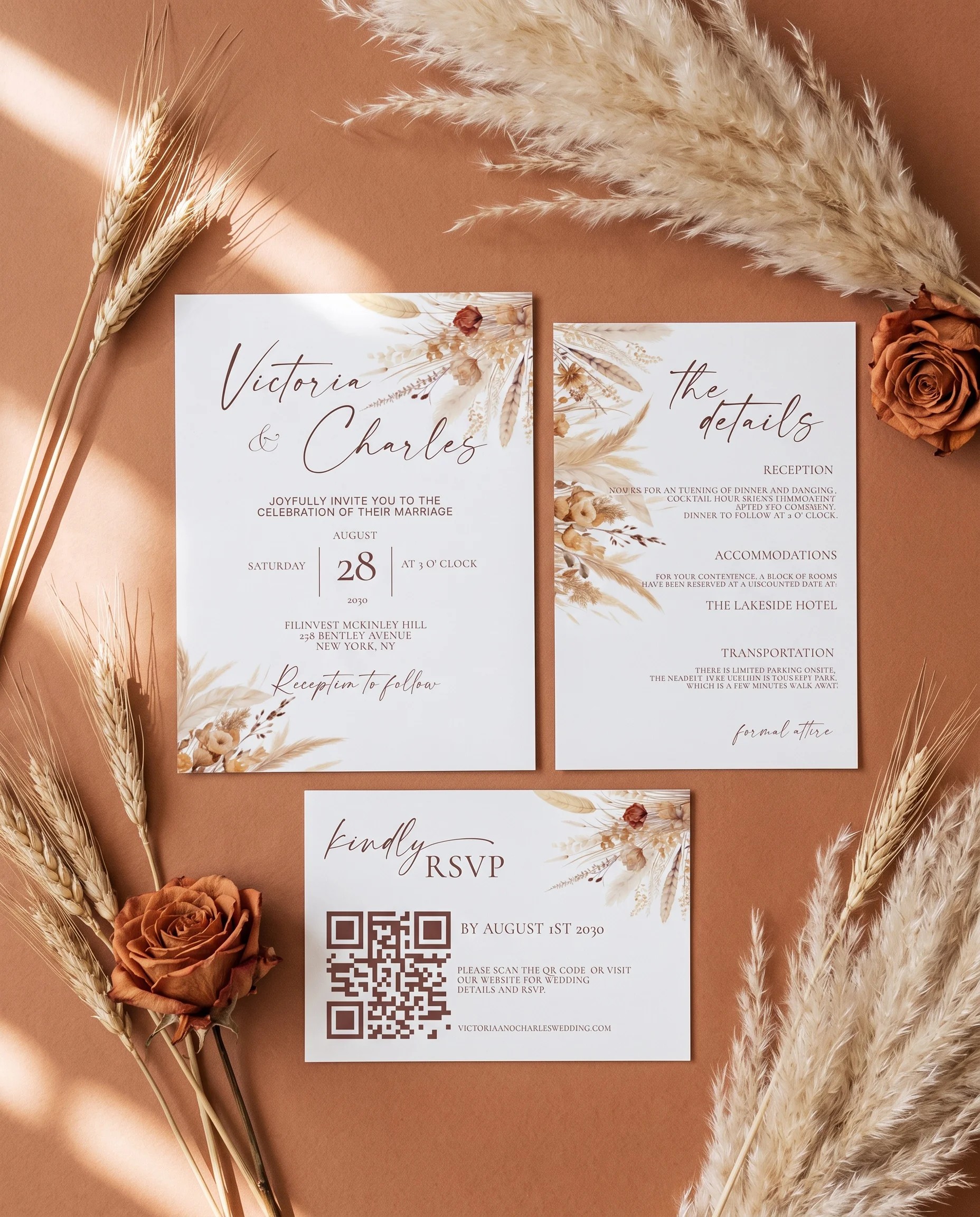
Harvest Script · Invitation Suite
$12
4.8(76 reviews)


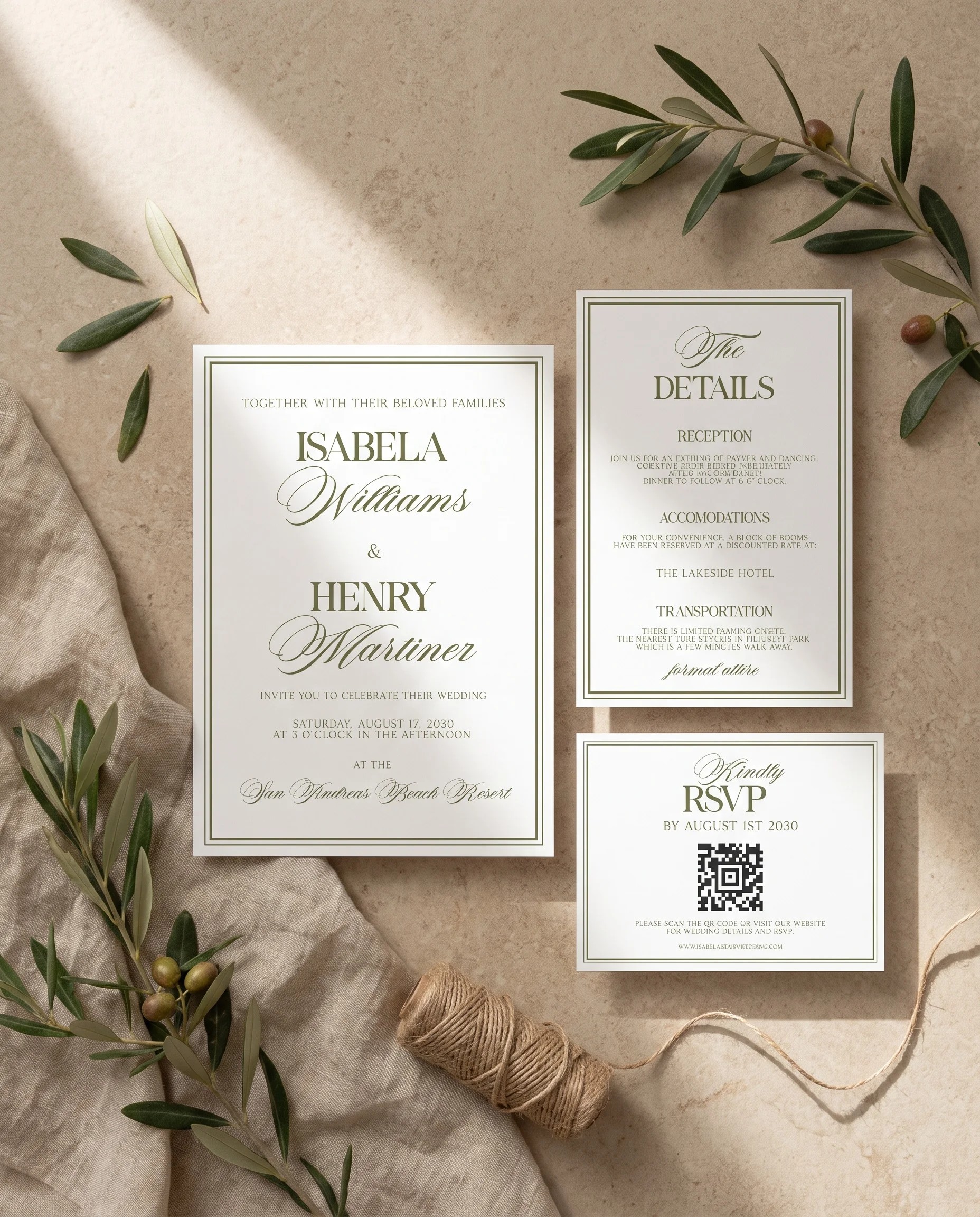
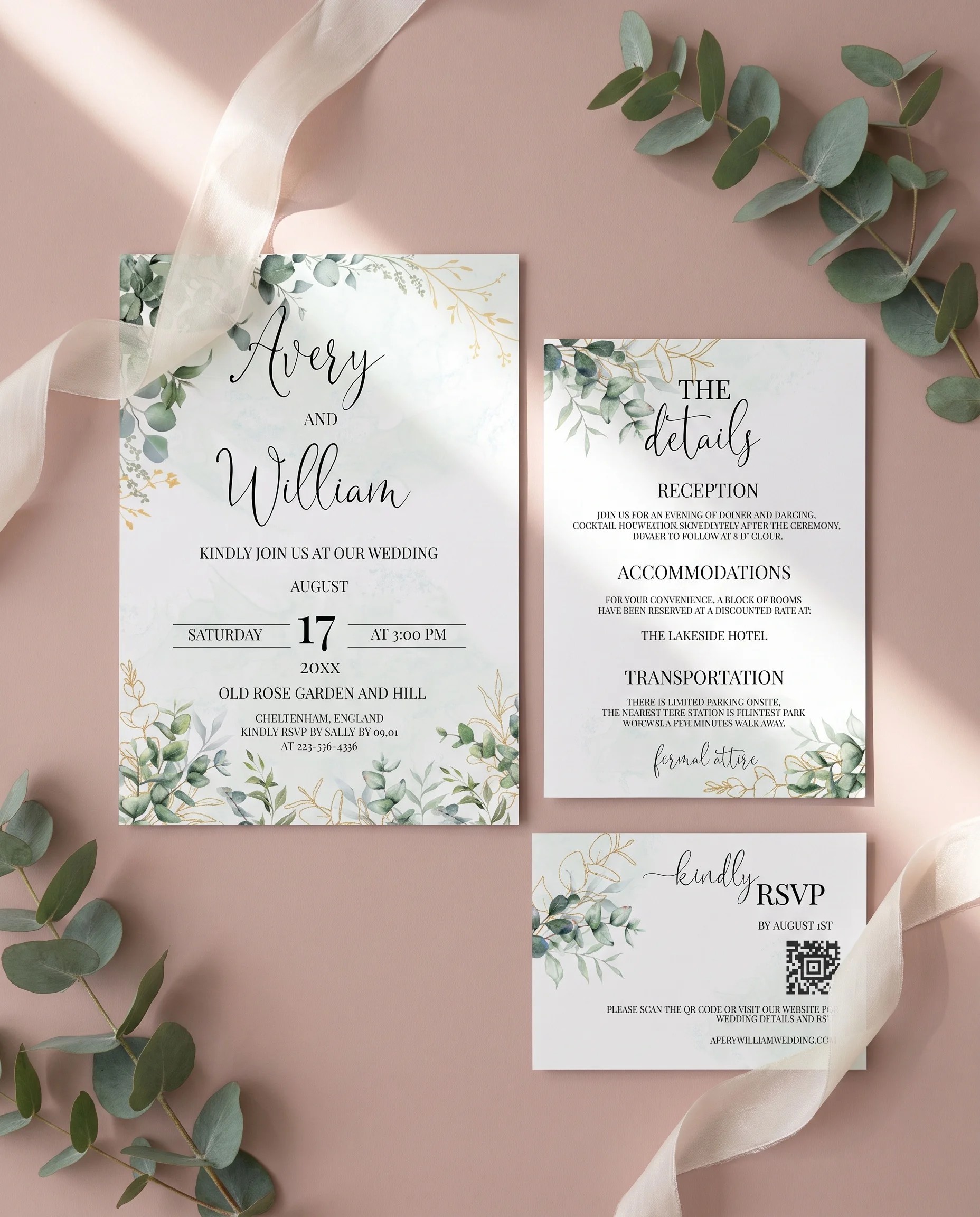
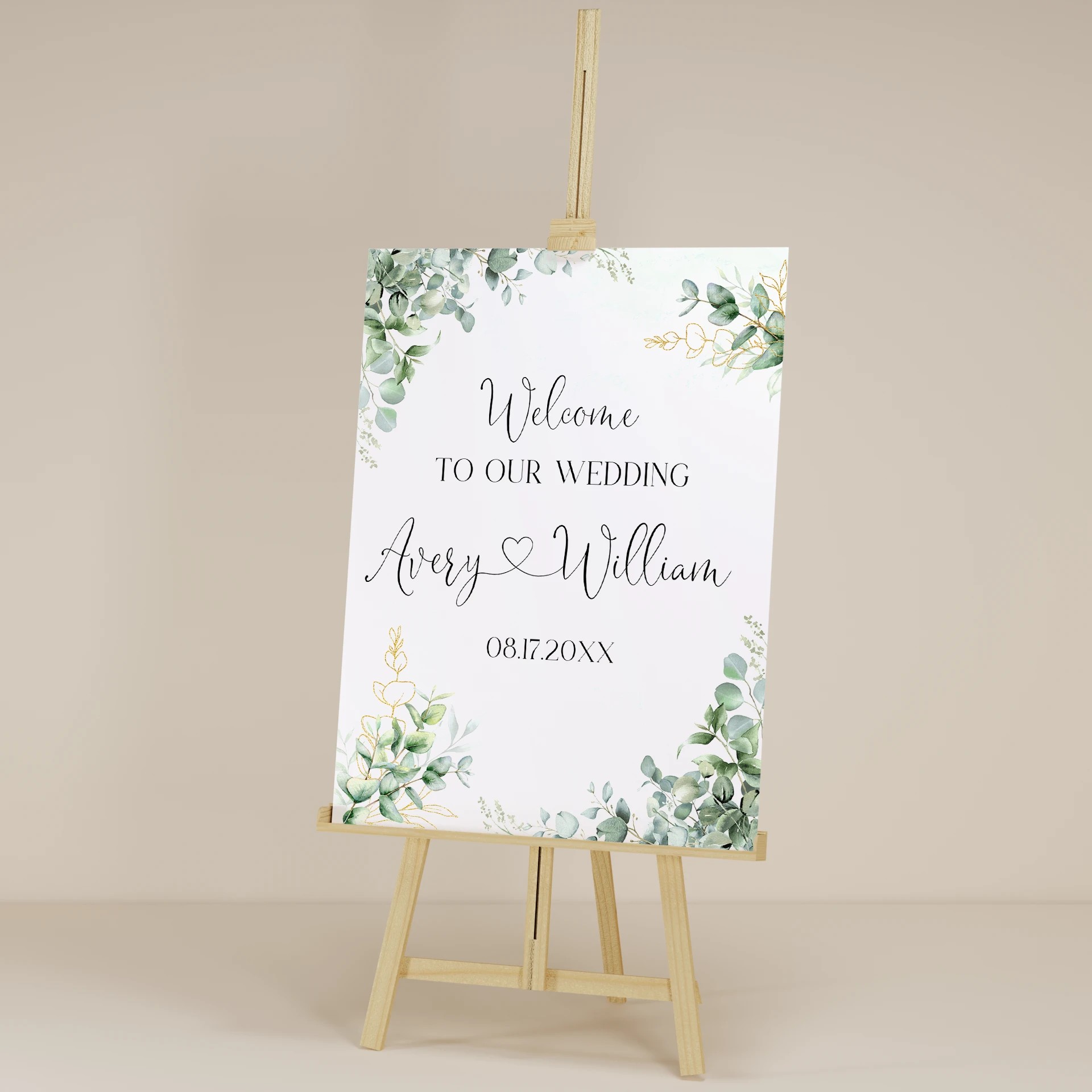
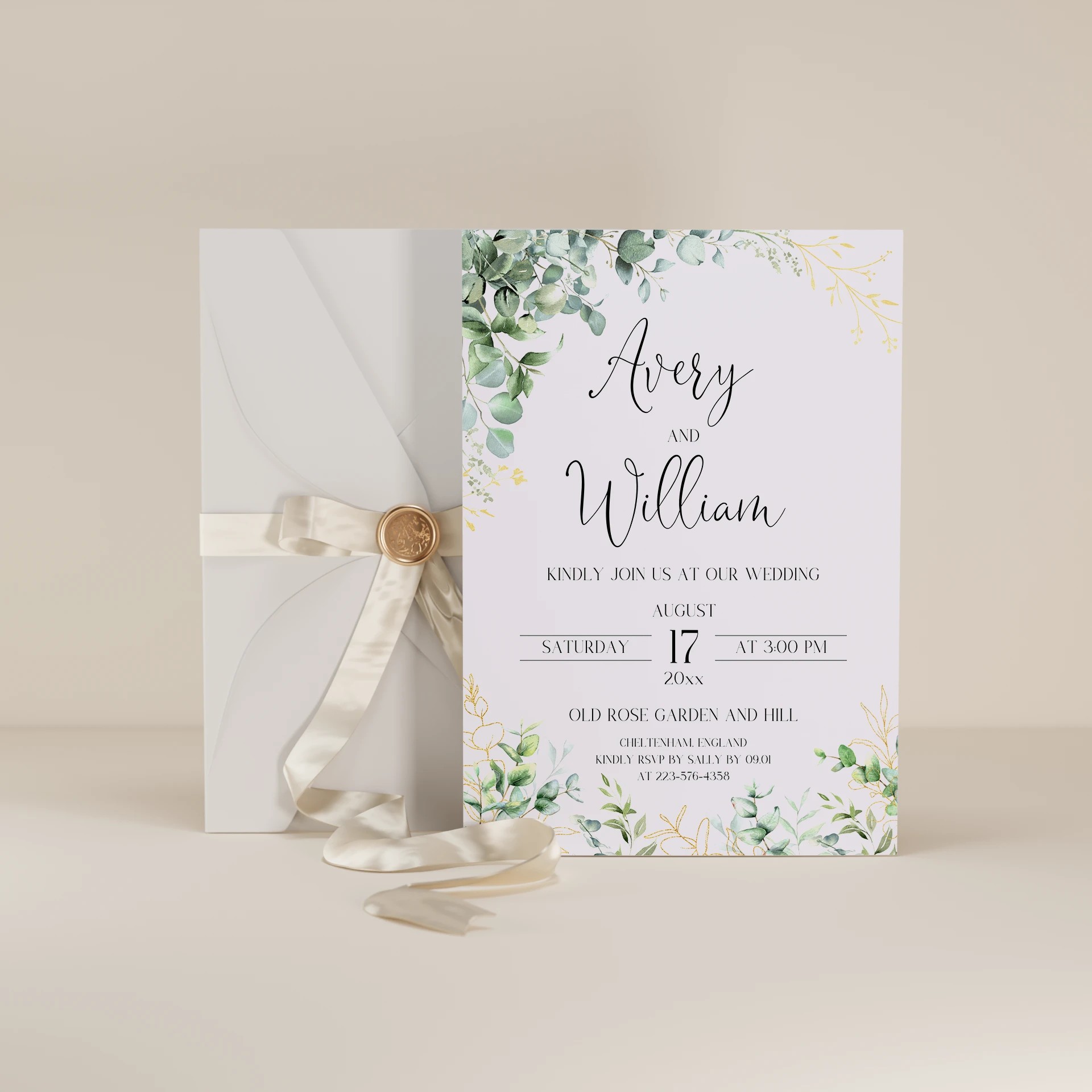
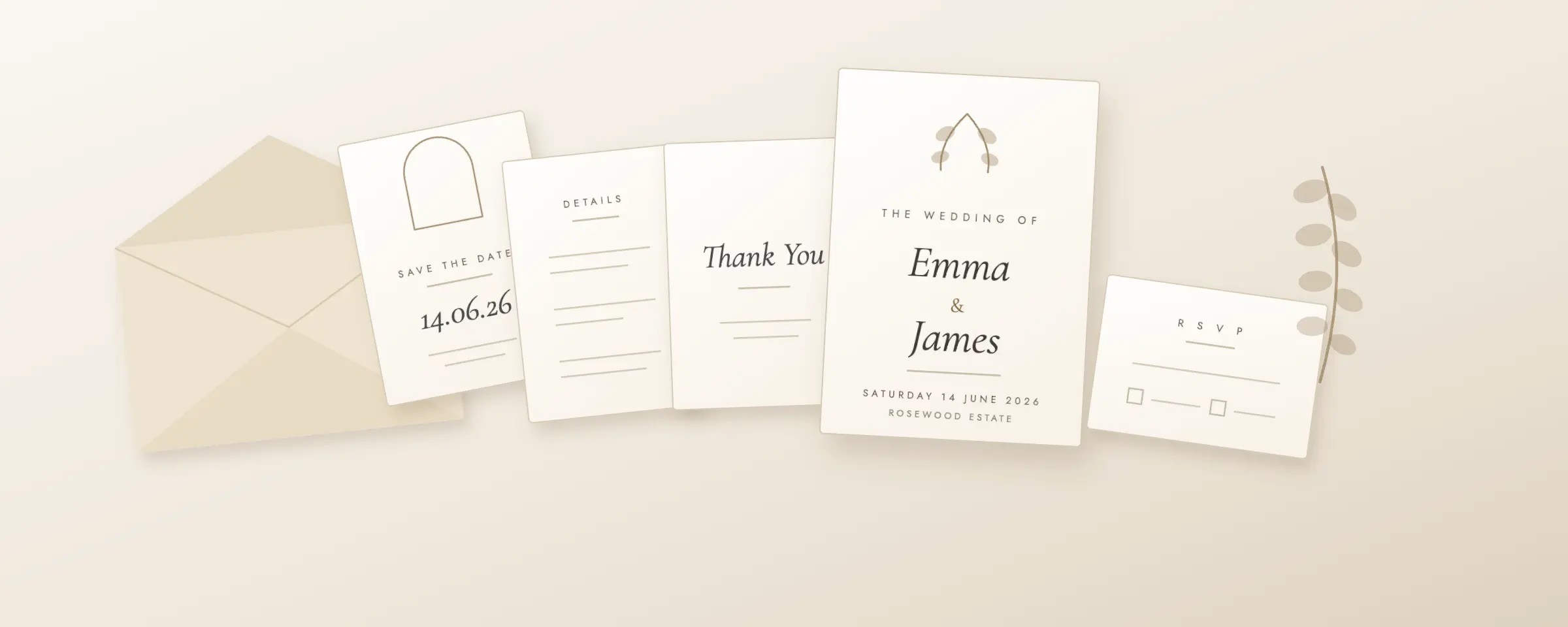
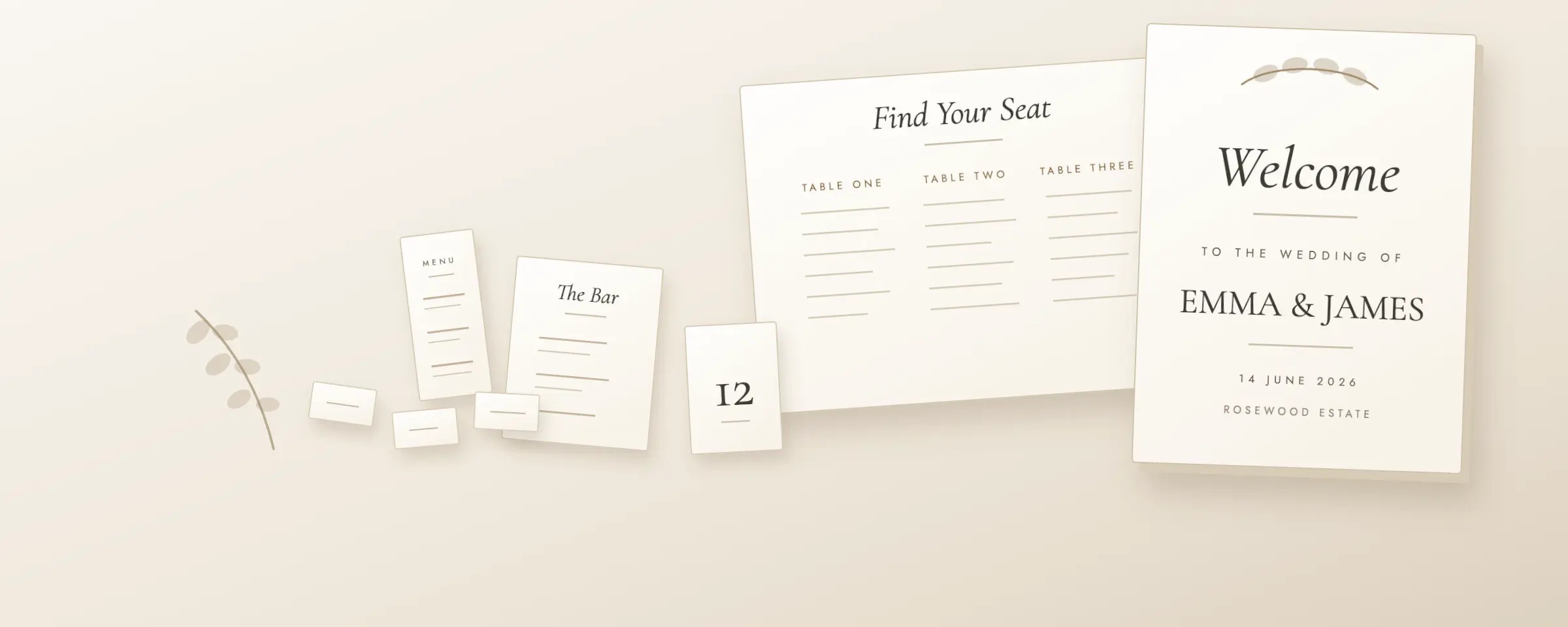
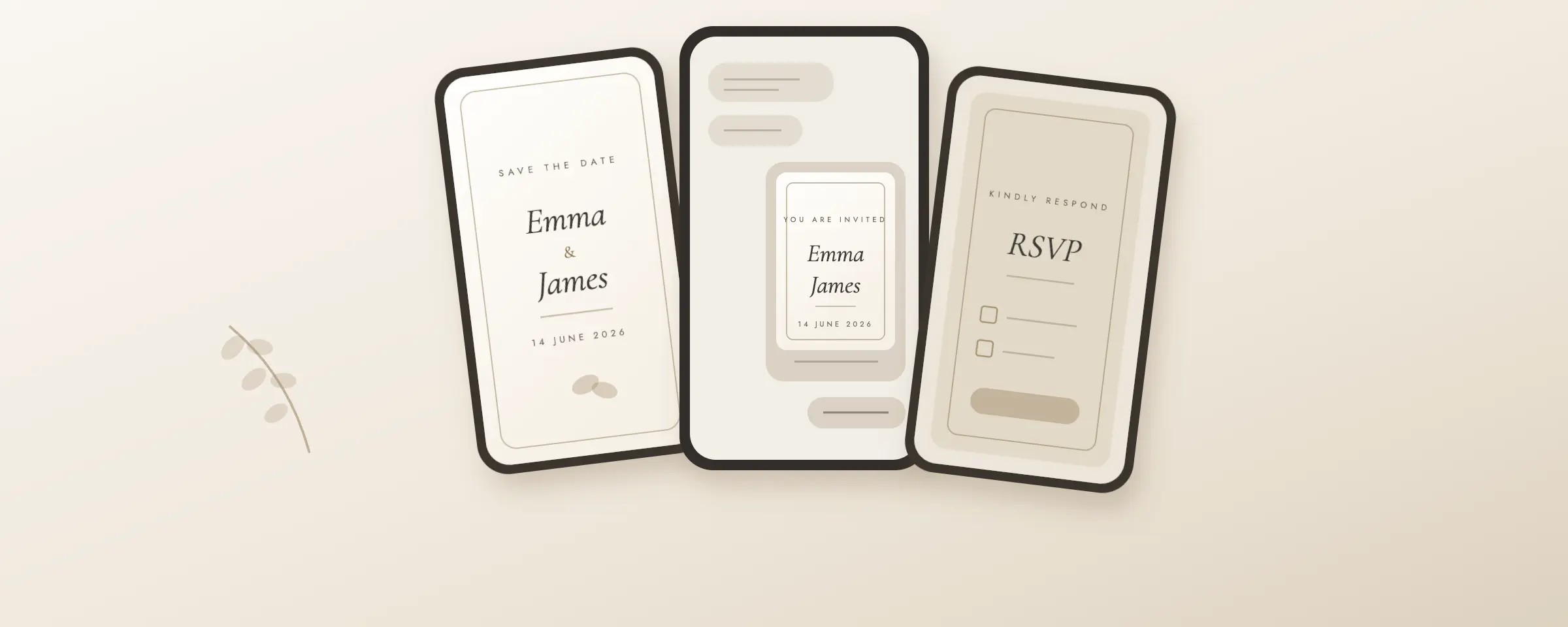
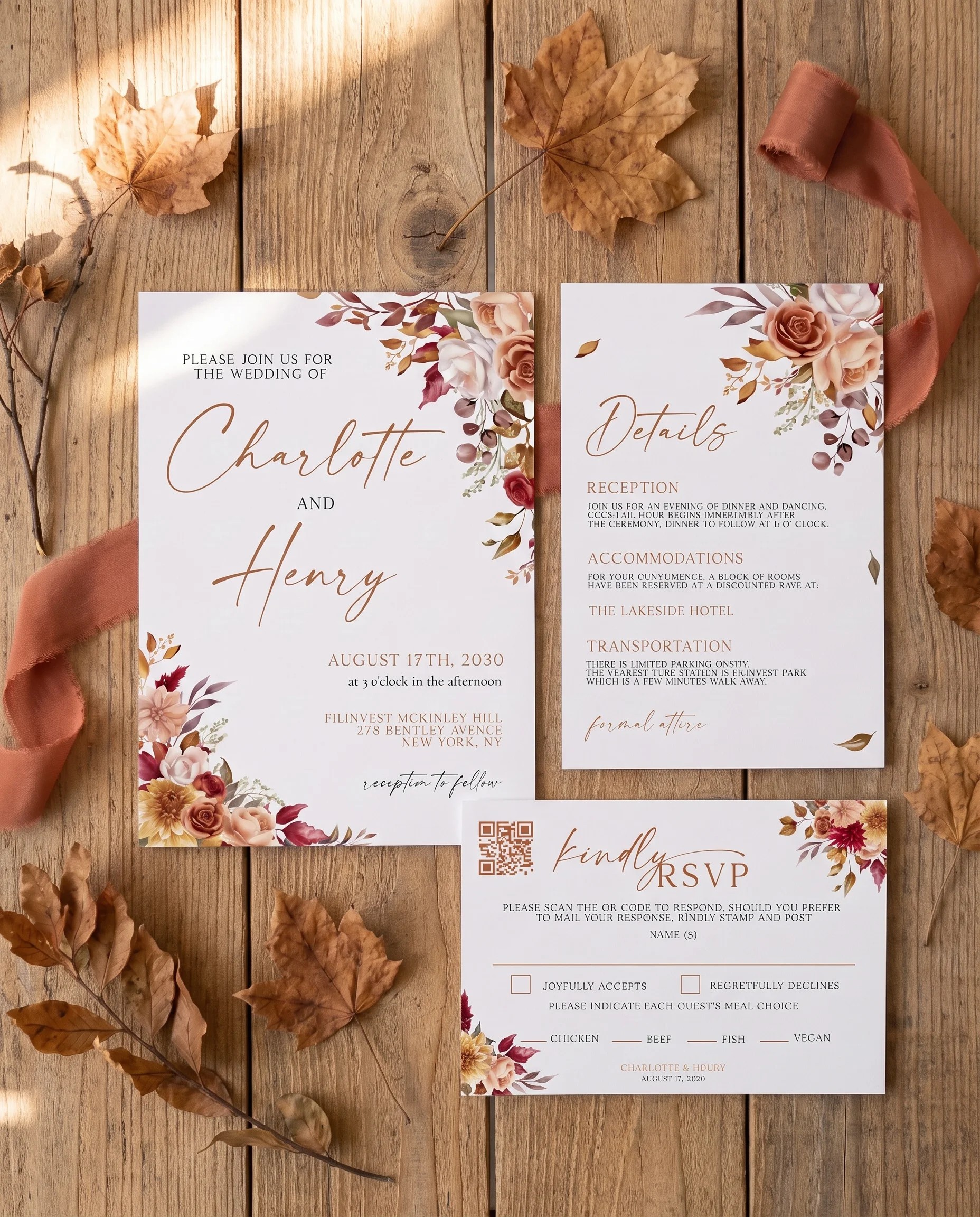
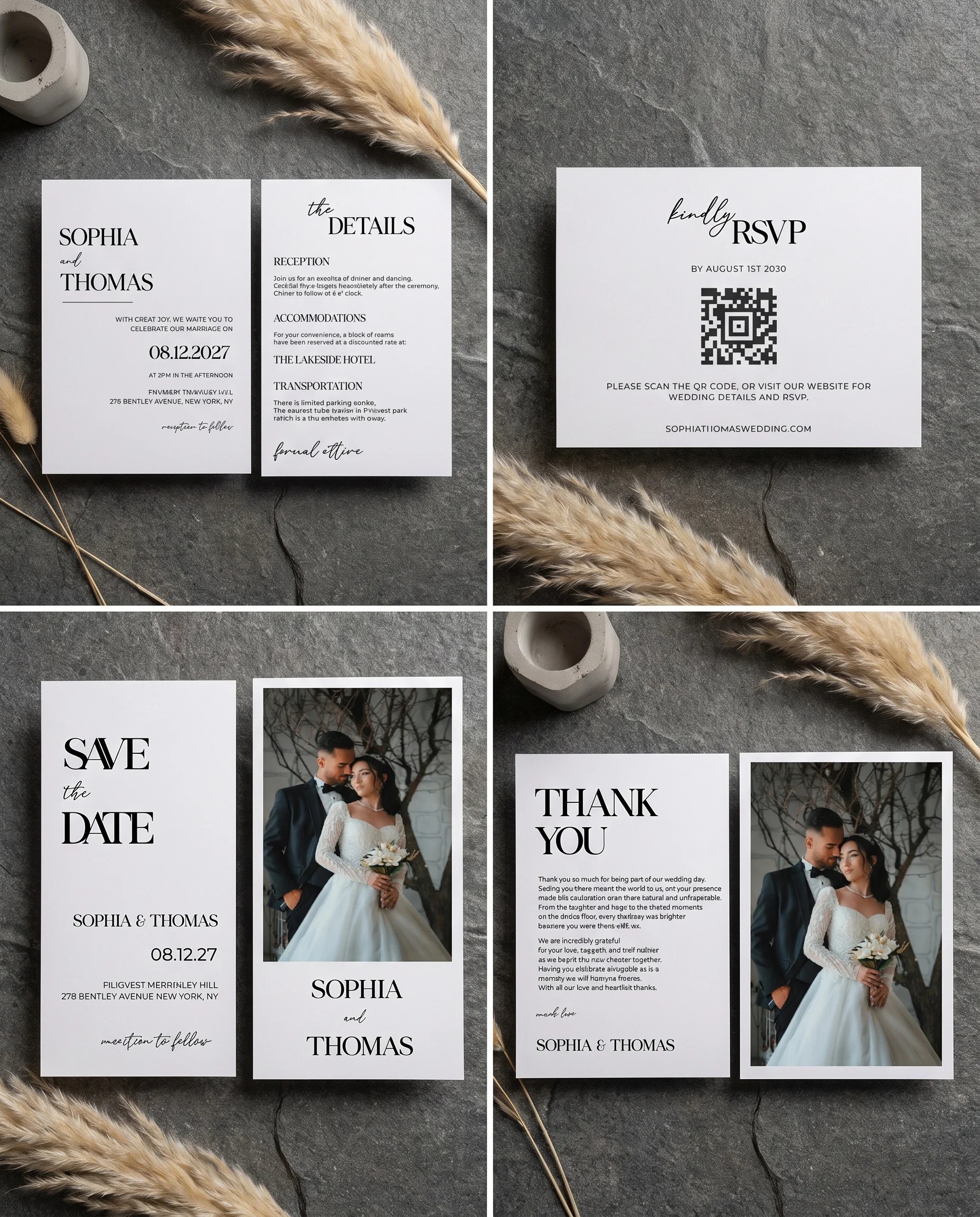
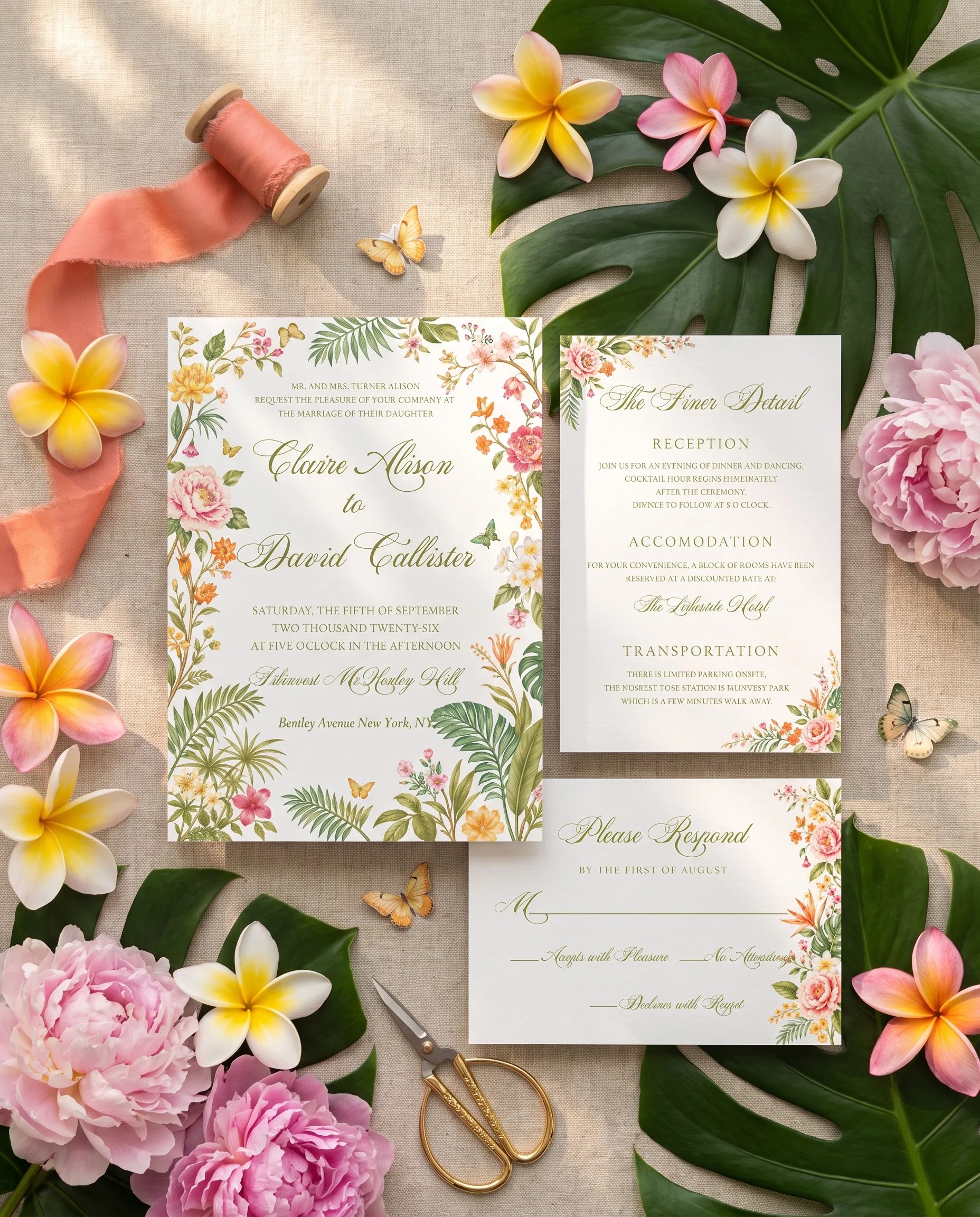
From the save the date to the thank you card, and every sign, menu and place card in between. Customize each one in your browser, download print-ready PDFs instantly.

Loved by couples · 4.8★ average

Customizable templates
Every design is fully editable

Instant access
Download immediately after editing

Printable templates
High-resolution, print-ready files

PDF download
Print-ready PDF. At home or a professional printer.
Real stories from couples who brought their wedding vision to life with our templates.
Wedding Templates (weddingtemplates.com) is an online shop of editable wedding templates, run by DigiVault LLC. More than 100,000 couples have used its free browser editor to personalize invitations, save the dates, RSVP and thank you cards, signs, menus and programs, then download them to print or share. Each type of template comes in five styles: minimalist, floral, boho, classic and rustic.
Single templates cost $15.95 to $29.95, depending on the product and the design: RSVP cards start at $15.95, invitations at $19.95 and seating chart signs at $21.95. Invitation suites (3 pieces) cost $29.95 to $39.95, invitation sets (5 pieces) $44.95 to $59.95, day-of stationery sets (5 pieces) $46.95 to $61.95 and sign sets (7 signs) $48.95 to $63.95, each less than the same pieces bought separately. Editing is free, you pay only when you download, and every purchase has a 60-day money-back guarantee. Printing and postage are separate.
Choose a design, click Start personalizing and edit it in your browser: names, dates, wording, fonts, colors and photos. You don't need design experience or software, and most designs take 10 to 20 minutes. The editor saves your progress, and you pay only when you download.
Every design downloads as a PDF for printing at home or at a print shop, a CMYK PDF for commercial printers, a PNG for sharing online and a JPG for text, email or WhatsApp. All four formats are included at no extra cost.
Yes. Print at home on 110 lb cardstock, since most home printers struggle with anything heavier, or take the PDF to a local print shop or online printer for heavier paper and larger runs. Printing at home costs about $0.43 to $0.80 per card in paper and ink, and it's worth ordering about 15 percent extra cardstock for spoiled sheets. Home printers can't do letterpress, foil or engraving.
Yes. Download a JPG or PNG and send it by text, email, WhatsApp or social media. For fully digital stationery, the Online Invitations collection has digital invitations, save the dates, RSVP and thank you cards. Digital invitations are now widely accepted; for a black tie or formal religious wedding, paper still carries more weight.
No. Wedding Templates sells digital templates only. Files download instantly after purchase, with no shipping fees or waiting, and you can print them at home or at any print shop.
Yes. Log in to your Wedding Templates account to reopen a saved design, change it and download it again. There's no limit on edits or downloads for designs you've bought.
Every purchase has a 60-day money-back guarantee. Email help@weddingtemplates.com within 60 days of purchase with your order details, and the refund goes to your original payment method. See the refund policy.
Most couples need three groups of pieces. Before the wedding: save the dates and an invitation suite, which is the invitation, a details card and an RSVP card. On the day: a program, welcome sign, seating chart, place cards, table numbers and menus. After the wedding: thank you cards. Smaller weddings can skip several day-of pieces. Browse Invitations & Stationery and Ceremony & Reception.
Send save the dates 6 to 8 months before the wedding, or 8 to 12 months for a destination wedding or a holiday weekend. Mail invitations 6 to 8 weeks before the wedding, 8 to 10 weeks if many guests are traveling or lodging is limited, and 12 weeks for a destination wedding. Anyone who gets a save the date must also get an invitation. See our wedding invitation wording guide for the full timeline.
Set the RSVP deadline 3 to 4 weeks before the wedding, or 4 to 5 weeks for a destination wedding. That leaves time to follow up with guests who haven't replied before your caterer needs a final headcount. Print a specific date on the card, such as "Kindly reply by October 17." See our RSVP deadline guide.
It depends mostly on how you print. Printing at home costs about $0.85 to $1.75 per set in paper, ink and envelopes, so 100 invitations can cost as little as $85, while letterpress, foil or engraving can reach $2,500, before postage. At Wedding Templates, an invitation design costs $19.95 to $27.95 and a 3-piece suite $29.95 to $39.95, paid once with no per-guest fees. See our wedding invitation cost guide.
Most US wedding invitations are 5 x 7 inches and fit an A7 envelope. In a suite, the details card is usually 4 x 6 inches and the RSVP card 5 x 3.5 inches. A 4 x 6 invitation suits casual weddings with short wording, and 5.5 x 8.5 suits long or bilingual wording. See our wedding invitation size guide.
A 5 x 7 invitation in an A7 envelope costs $0.82 to mail at 1 ounce, and a full suite at 2 ounces costs $1.11. Square invitations cost $1.31 because of the nonmachinable surcharge, and envelopes larger than 6.125 x 11.5 inches mail as flats at $1.69. A reply postcard costs $0.65, or $0.82 in an envelope. These are USPS rates from July 12, 2026; have one assembled invitation weighed before you buy stamps.
A formal invitation has five lines: the hosts, the request line, the couple's names, the date, time and place, and the reception. Write it all out with no numerals, for example "Saturday, the twelfth of June, two thousand twenty-seven, at half after four o'clock." Use "the honour of your presence" for a house of worship and "the pleasure of your company" everywhere else. RSVP details, dress code and your wedding website go on a details card, and registry information goes only on your website. See our wedding invitation wording guide.
Address a married couple as "Mr. and Mrs. John Smith" or with both first names, and spell out titles such as "Doctor." For a family, address the outer envelope to the parents and name everyone invited, children included, on the inner envelope. Couples who live together get one invitation with both names, and couples who live apart get one each. Use a plus one's name if you know it, and "and Guest" only if you don't. See how to address wedding invitations for more examples.
Real stories from couples who brought their wedding vision to life with our templates.

From wedding invitations and save the dates to ceremony programs and seating charts, every template comes in 5 beautiful styles.




Dive deeper into our collections. Every template type comes in 5 beautiful styles - find your perfect match.

Personalize any wedding template in minutes, then download it to print or share. No design experience needed.
Browse hundreds of luxury printable wedding templates. Filter by Style, category, or Template type.
Adjust text, colors, fonts, and more to reflect your unique wedding theme. Our editor automatically saves your progress as you go.
After you're happy with your design, click "Next," choose your preferred format, complete your purchase, and instantly download your personalized template!
Everything you need for a beautiful wedding day, from invitations to the welcome sign, without the stress or high cost.

No downloads, no Canva, no design skills. Edit text, colors, and fonts right on our website.
Get high-resolution print-ready files the moment you finish editing. No waiting.

Every template is optimized for professional printing and digital sharing via WhatsApp, email, or text.

Invitations, RSVP cards, menus, place cards, and signs all match in five styles.

Luxury designs at a fraction of custom stationery prices. No hidden fees.

Try completely risk-free. Not satisfied within 60 days? Full refund, no questions asked.
As seen on



Ideas, Tips & Trends
For 2026
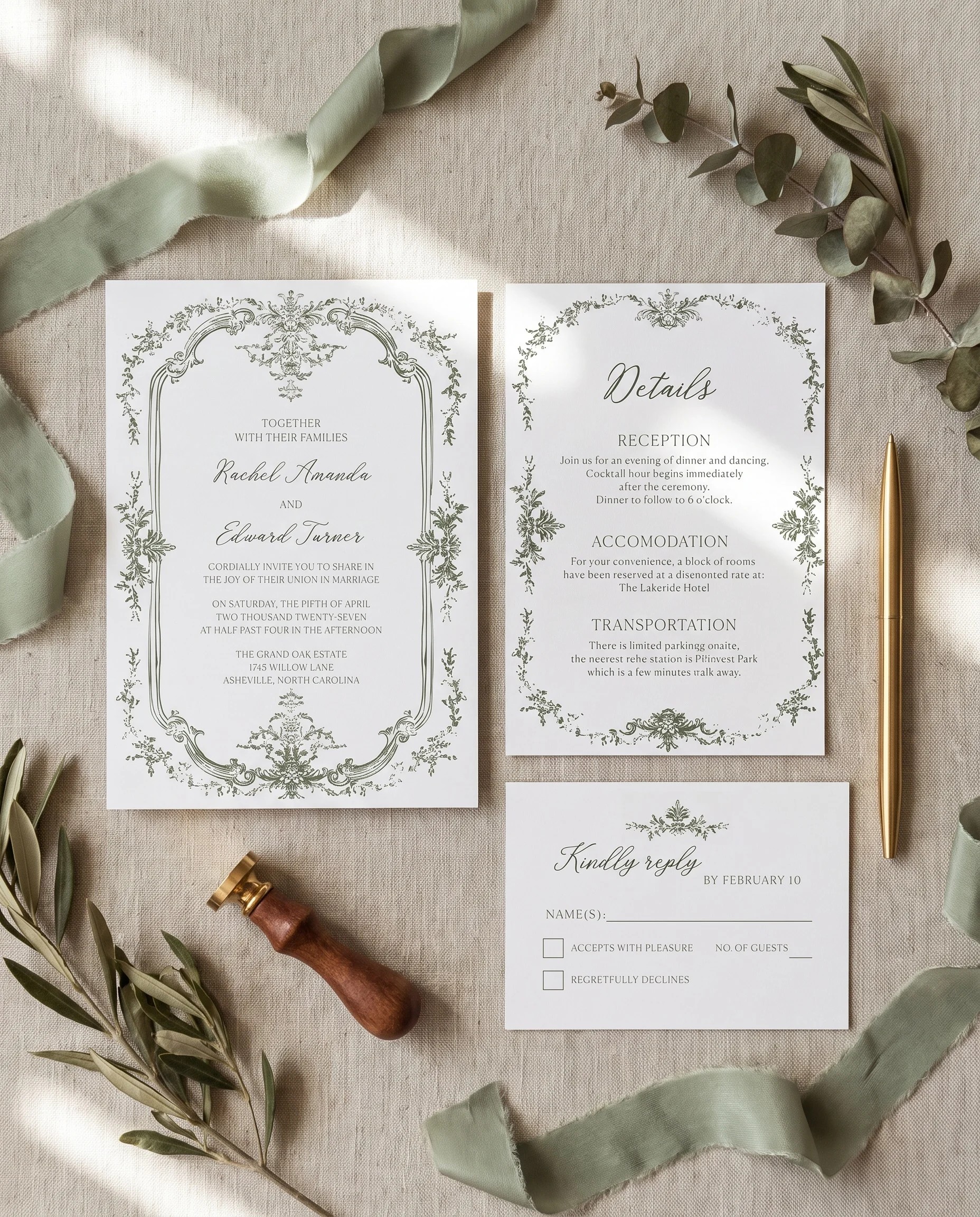
Wedding Etiquette
Choosing your wedding invitation wording
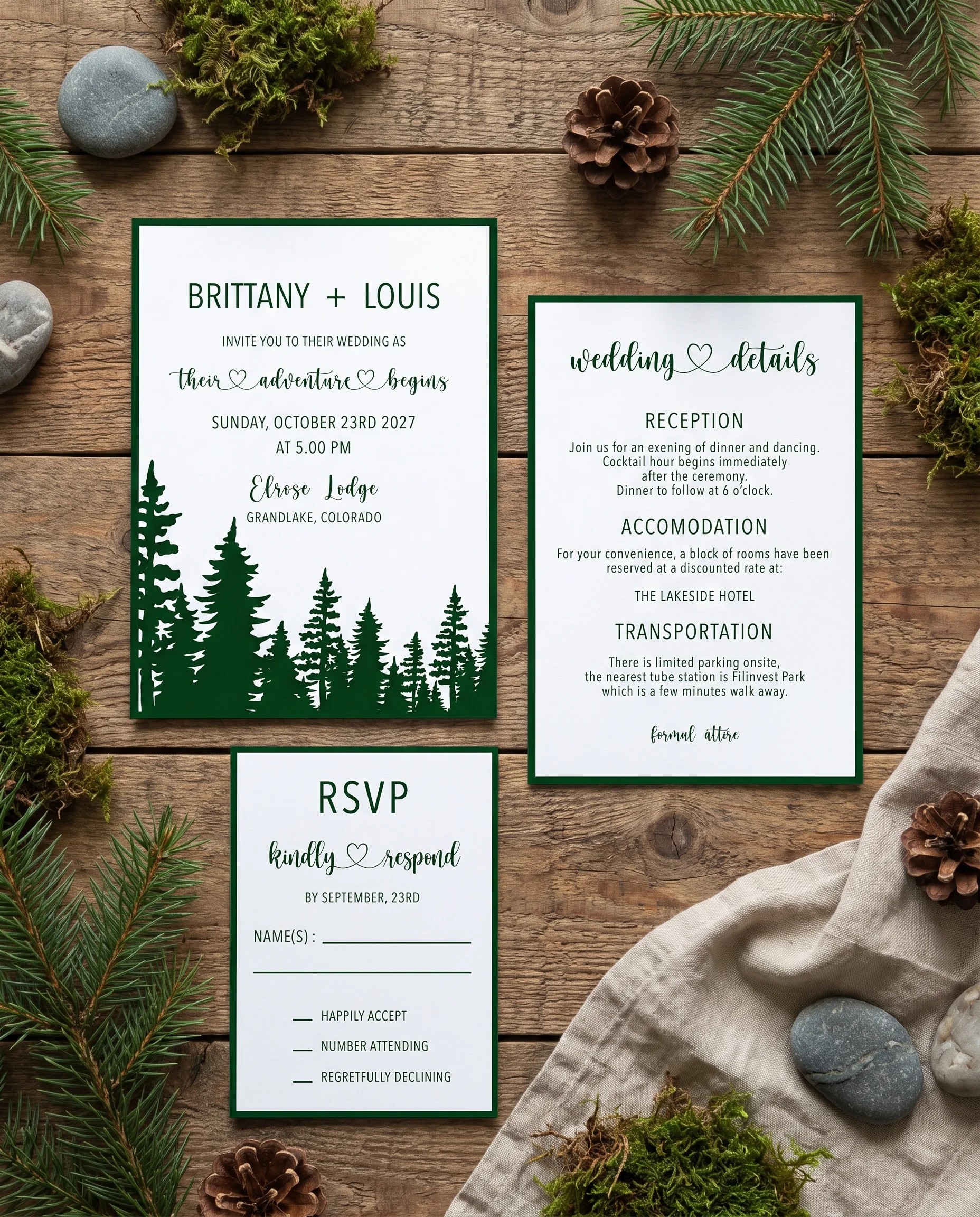
Wedding Etiquette
A thoughtful guide to plus-one invitations
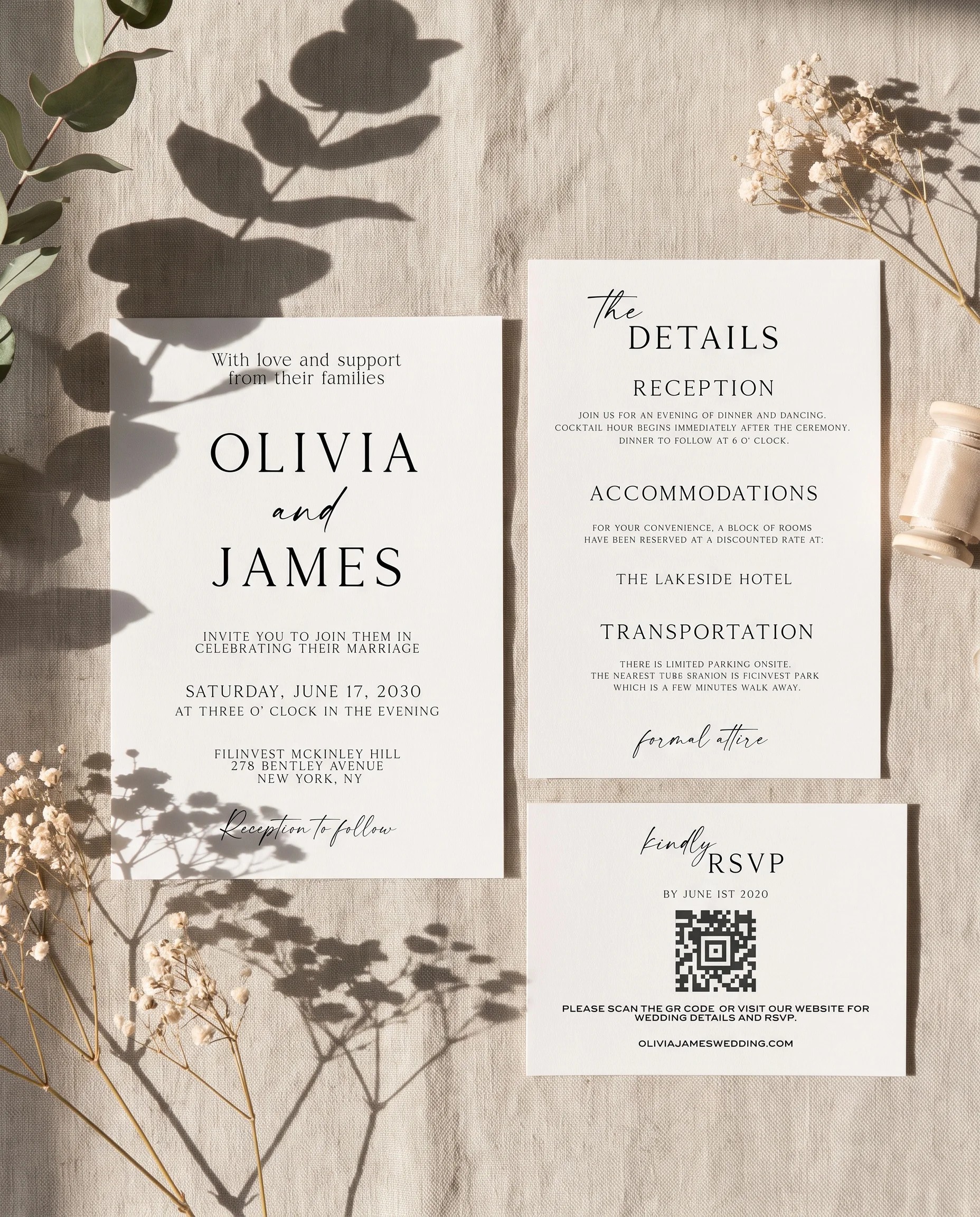
Stationery & Design
Making your RSVP card easy to answer
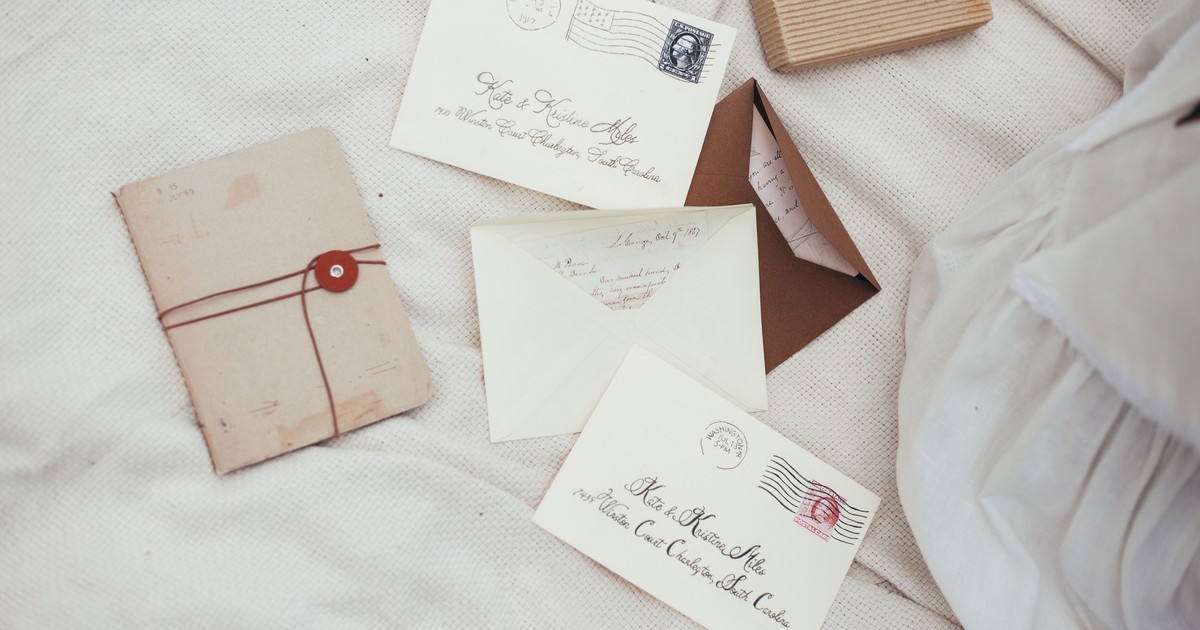
Wedding Etiquette
How to Address Wedding Invitations: A Complete Guide with Examples
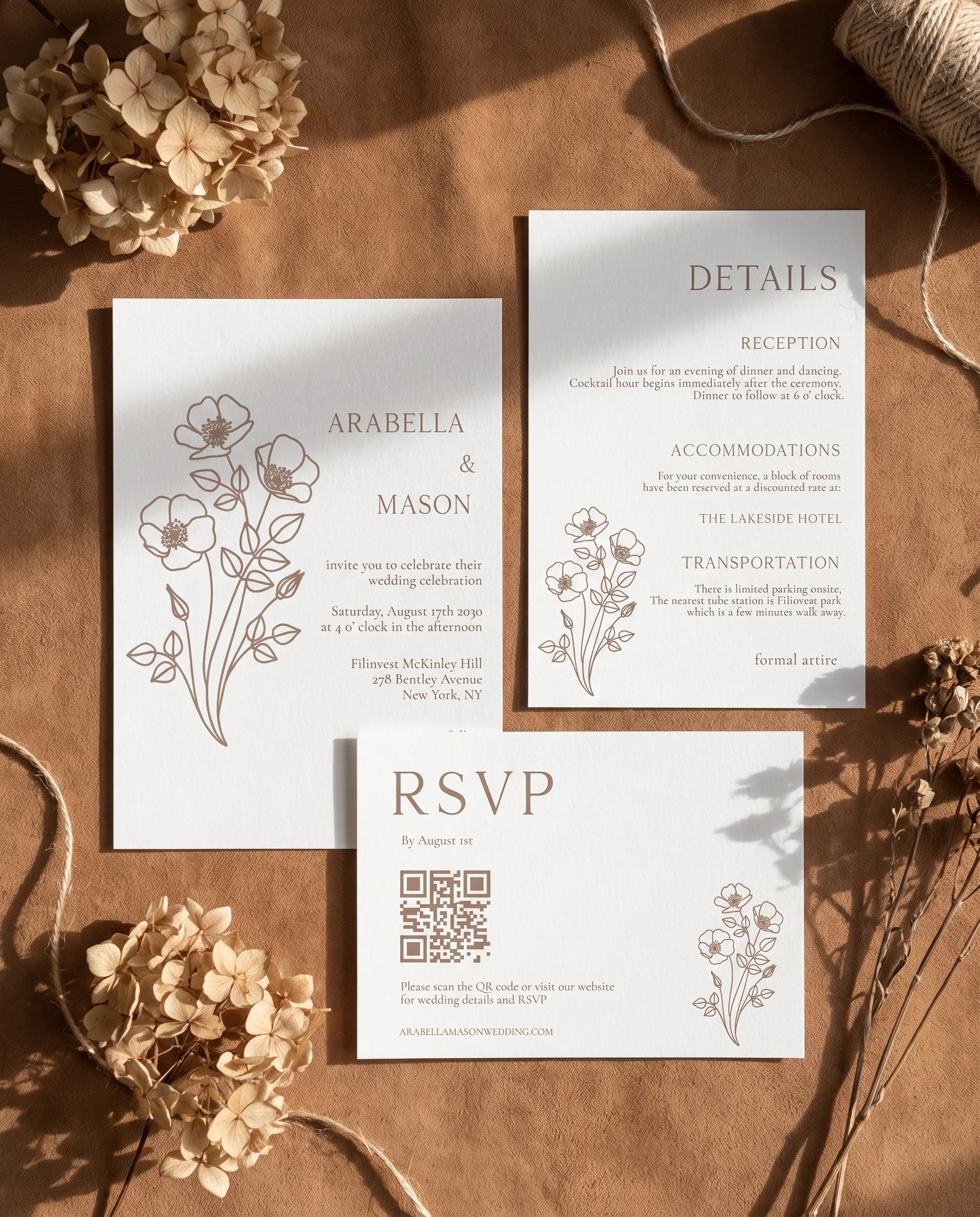
Wedding Etiquette
How to write a useful wedding details card
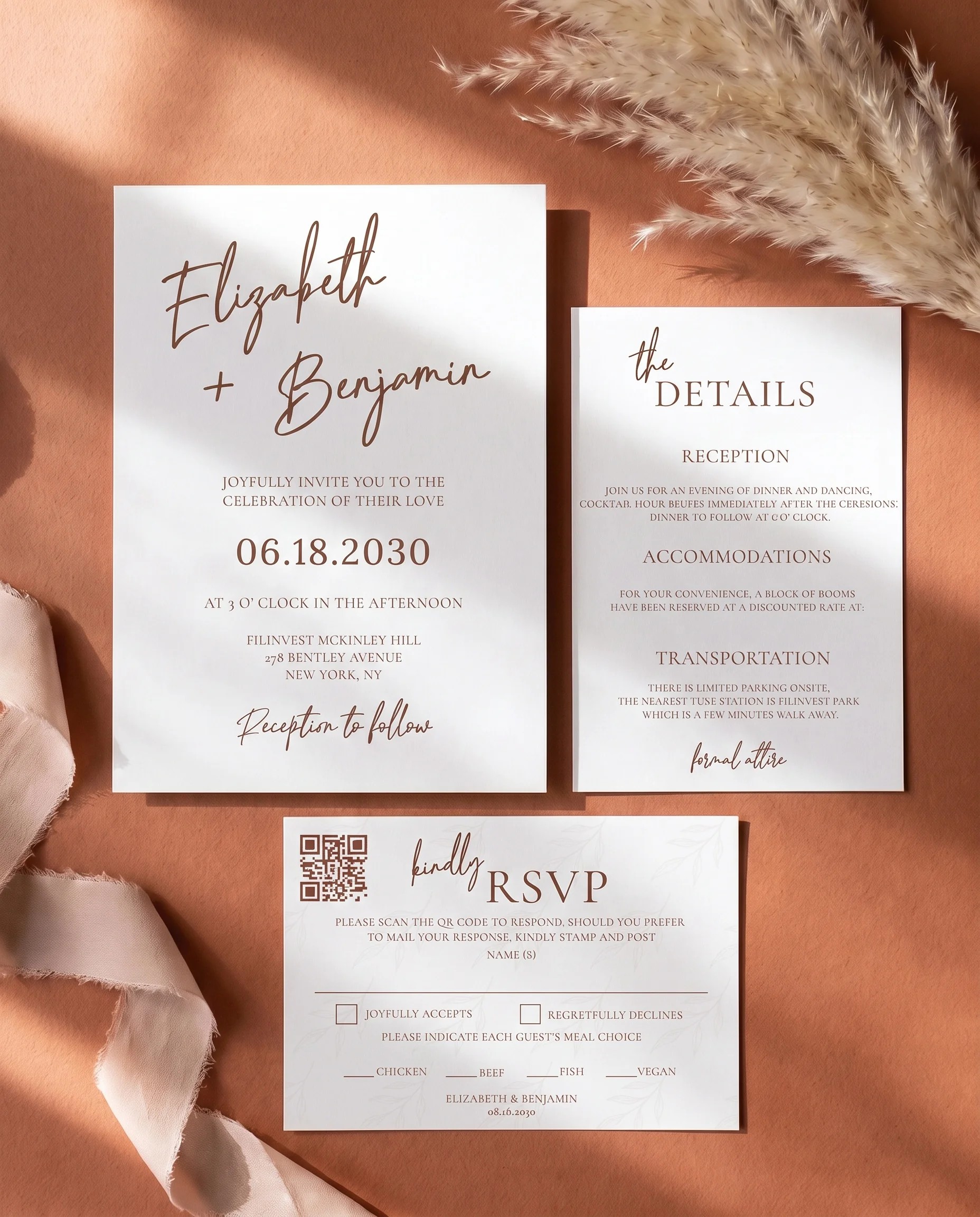
Wedding Etiquette
Choosing colours for your wedding stationery
Article 1 of 6: Choosing your wedding invitation wording
Loved by Thousands of Real Couples

I tried editing on my phone but it was kinda hard to tap small text. Once I switched to my laptop everything worked perfectly.
Lucia Alvarez

I’m not a designer at all, but Wedding Templates made it super easy. I customized my invites in minutes and printed them the same day, they looked amazing!
Emily Richardson

We were gonna buy on Etsy, but this was way easier. You can edit everything right on the site, and the print quality was spot on. Highly recommend
Carlos and Jenna Morales

I loved how simple the layout was to edit, but I wish there were more pastel color options. Still, our printed cards looked awesome and everyone loved them.
Hannah Thompson

I tell my clients about Wedding Templates all the time. It gives them total control, fast results, and everything looks super professional
Jasmine Ortega
I tried editing on my phone but it was kinda hard to tap small text. Once I switched to my laptop everything worked perfectly.
Lucia Alvarez
I’m not a designer at all, but Wedding Templates made it super easy. I customized my invites in minutes and printed them the same day, they looked amazing!
Emily Richardson
We were gonna buy on Etsy, but this was way easier. You can edit everything right on the site, and the print quality was spot on. Highly recommend
Carlos and Jenna Morales
I loved how simple the layout was to edit, but I wish there were more pastel color options. Still, our printed cards looked awesome and everyone loved them.
Hannah Thompson
I tell my clients about Wedding Templates all the time. It gives them total control, fast results, and everything looks super professional
Jasmine Ortega

We used the planner, signs, and RSVP cards everything matched beautifully. It saved us tons of time and looked like we hired a pro
Lina Martinez

I needed to send a WhatsApp invite super last-minute this saved me. The template was mobile-friendly and looked amazing!
Rita Ahmed

I had a question about print sizing and the support team replied fast They helped me get it just right great customer service!
Noah Daniels

It took a few minutes to figure out the editor but after that it was smooth sailing. It’s really easy once you get going.
Jordan Baker

The final print quality blew me away. I took it to a local shop and it looked like it came from a professional designer.
Erica Lawson
We used the planner, signs, and RSVP cards everything matched beautifully. It saved us tons of time and looked like we hired a pro
Lina Martinez
I needed to send a WhatsApp invite super last-minute this saved me. The template was mobile-friendly and looked amazing!
Rita Ahmed
I had a question about print sizing and the support team replied fast They helped me get it just right great customer service!
Noah Daniels
It took a few minutes to figure out the editor but after that it was smooth sailing. It’s really easy once you get going.
Jordan Baker
The final print quality blew me away. I took it to a local shop and it looked like it came from a professional designer.
Erica Lawson

I was nervous to edit myself, but the editor was so easy to use I changed the colors and text, and downloaded everything in 10 minutes no stress at all.
Daniel Gutiérrez

I used this site for all our wedding stuff - invites, seating chart, signs, thank you cards and it was SO affordable It all looked incredible too
Sophie Duncan

I didn’t wanna go back and forth with a designer. Being able to tweak everything myself was fun and saved so much time. Total win for DIY brides like me.
Megan Hall

The designs were gorgeous but the PDF was a bit large for email. I just compressed it and everything worked fine after that.
Maya Elwood
I was nervous to edit myself, but the editor was so easy to use I changed the colors and text, and downloaded everything in 10 minutes no stress at all.
Daniel Gutiérrez
I used this site for all our wedding stuff - invites, seating chart, signs, thank you cards and it was SO affordable It all looked incredible too
Sophie Duncan
I didn’t wanna go back and forth with a designer. Being able to tweak everything myself was fun and saved so much time. Total win for DIY brides like me.
Megan Hall
The designs were gorgeous but the PDF was a bit large for email. I just compressed it and everything worked fine after that.
Maya Elwood
Join 100,000+ couples who trust Wedding Templates.
Already have an account? Log in